Claude Code vs Cursor vs Codex for SaaS MVPs
Choose Claude Code, Cursor, or Codex for a controlled SaaS MVP build with pricing, usage limits, review gates, and handoff rules.

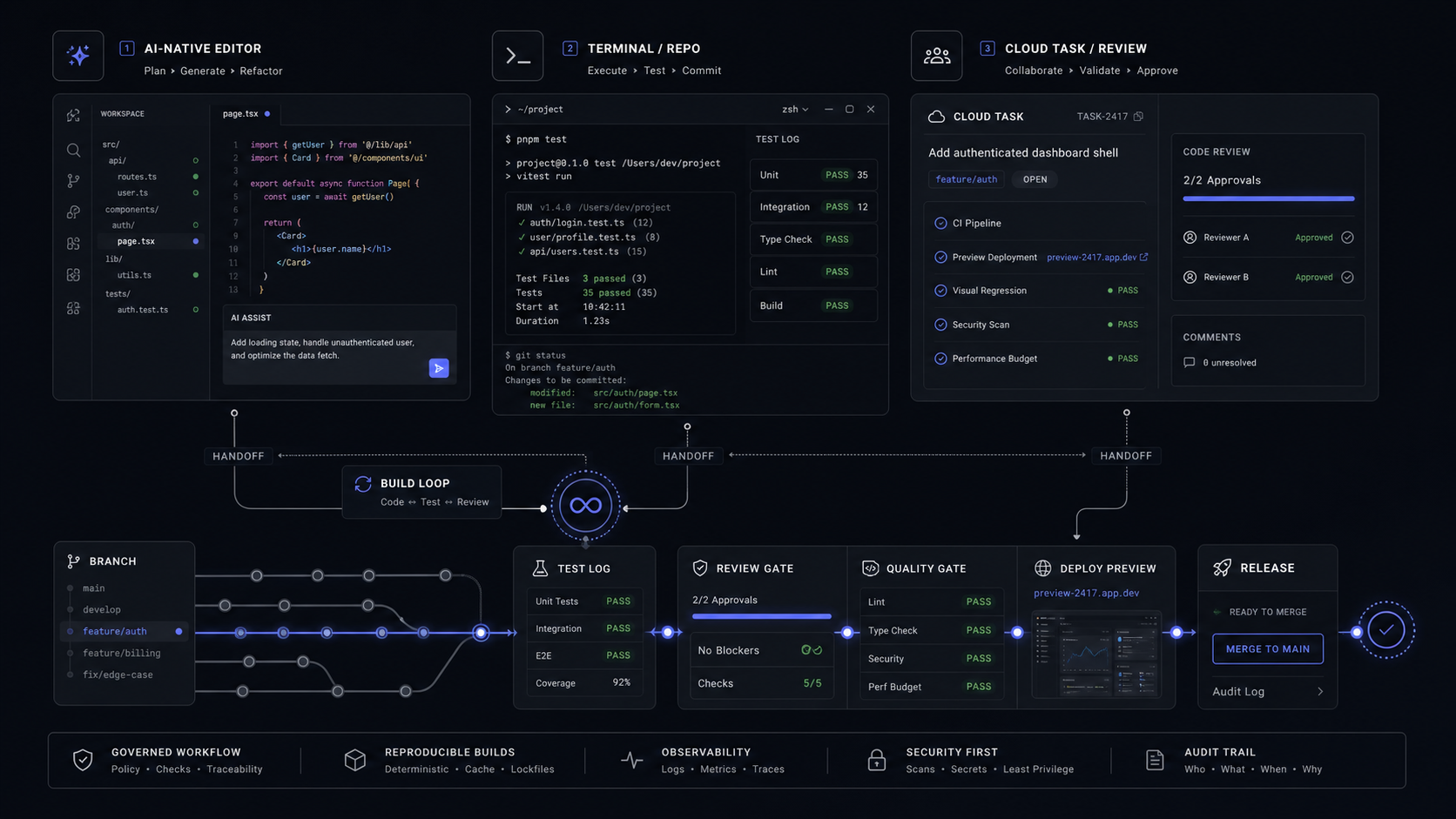
Use Cursor as the daily build surface, Claude Code when the work needs terminal depth across a repo, and Codex when you want cloud tasks, code review, or a ChatGPT-connected engineering workflow. None of them should own your SaaS MVP by itself; the winning setup is one controlled build loop with logs, tests, review, and a human release decision.
The Verdict For A SaaS MVP
Cursor should be the default seat for hands-on SaaS MVP building, Claude Code should handle terminal-first repo work, and Codex should sit where cloud tasks, review, and ChatGPT workspace controls make the build easier to govern. Treat them as build surfaces, not as a magic replacement for product scope.
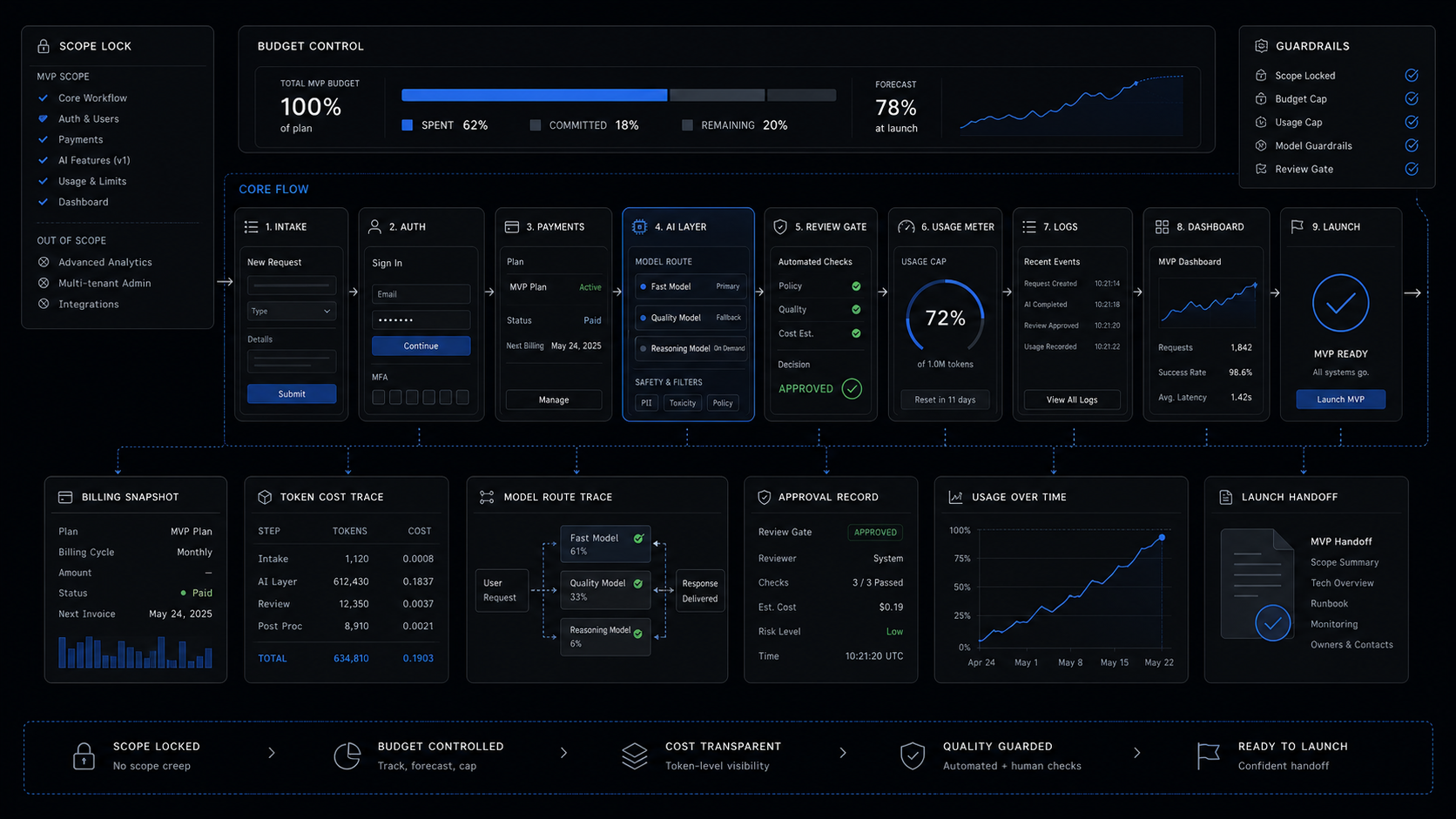
That distinction matters because a SaaS MVP fails when tools create more unreviewed code than the team can verify. A founder does not need the most impressive demo. They need a working auth flow, billing path, dashboard, AI layer, logs, and a handoff path that someone can maintain after launch.
If you already read our broader piece on agentic AI coding tools for SaaS MVPs, this is the narrower decision: which tool belongs in the actual build loop once the MVP scope is already real.
The short version is simple. Use Cursor when someone is actively shaping the product. Use Claude Code when the repo needs a disciplined terminal operator. Use Codex when the task can be assigned, tracked, reviewed, and governed from the ChatGPT side of the engineering workflow.
The Real Axis Is Control Surface, Not Model Brand
The useful question is not whether Cursor, Claude Code, or Codex is "smarter." The useful question is where the work should happen: inside an editor, inside a terminal, or inside a delegated cloud task.
Cursor is a coding agent and editor for building software. Its docs describe using it to understand a codebase, plan and build features, fix bugs, review changes, and connect with existing tools. That makes it the strongest day-to-day surface when the builder is still steering the product detail.

Claude Code is an AI-powered coding assistant that helps build features, fix bugs, and automate development tasks across multiple files and tools. Its strongest fit is not "chat about code." It is the moment a repo needs commands, file edits, tests, scripts, and git-aware execution from a terminal-first workflow.

Codex is OpenAI's coding agent for software development. OpenAI's docs describe it as a system that can write code, understand unfamiliar codebases, review code, debug and fix problems, and automate development tasks. Its practical advantage is the breadth of surfaces: app, CLI, IDE extension, web, iOS, cloud tasks, code review, and workspace controls.

The decision rule we use is this:
Keep the product build in Cursor when details are still changing
Use the editor when the builder must inspect UI behavior, adjust copy, touch components, and make local judgment calls. This is usually the right mode for the core MVP screen, dashboard, onboarding path, billing state, and AI output review UI.
Move repo-wide execution to Claude Code
Use Claude Code when the work is better expressed as terminal tasks: "write tests for this auth module," "trace this failing build," "update these dependencies," or "run the setup and fix whatever breaks." That keeps the task close to commands and evidence.
Delegate bounded work to Codex
Use Codex when the task can be assigned with a clear definition of done, then reviewed later: a PR review, a migration branch, a cloud task, a CLI workflow, or a workspace-managed engineering job.
The worst setup is giving all three tools loose access to the same vague goal. The controlled setup is one task owner, one branch, one change log, one test log, and one release decision.
Pricing And Usage Compared
The entry prices look similar, but the usage model is where the real budget decision sits. Cursor and Claude both start at $20/month individual plans. Codex also has a $20/month Plus plan, but Codex includes lower entry tiers and a separate Business pay-as-you-go path.


Cursor's own docs make the hidden cost clear. Individual Pro includes $20 of API usage, Pro Plus includes $70, and Ultra includes $400. Cursor also says daily Agent users typically land at $60-$100/month total usage, while power users with multiple agents or automation often use $200+/month total usage.
Codex exposes a different kind of planning detail. For GPT-5.3-Codex, the Codex pricing page lists these ranges:
Those ranges should not be read as guaranteed daily build capacity. OpenAI says usage depends on the model used, task size, task complexity, and where the work runs. The practical takeaway is that Codex is easier to budget when tasks are explicitly scoped: review this PR, migrate this component, fix this test failure, or produce this branch.
Claude Code has a simpler buyer warning. Claude Pro and Max usage is shared across Claude and Claude Code. If the founder uses Claude heavily for research, product thinking, and coding in the same period, the coding workflow can hit the same plan allocation. If Claude Code prompts API credits, that is a separate billing path and should be handled intentionally.
Use Cursor For The Daily Product Build
Cursor is the best default for the builder who is actively turning a SaaS MVP into product screens, states, and edge cases. It keeps the work inside the editor, where the builder can inspect the repo, adjust components, test behavior, and review diffs without constantly switching surfaces.
That makes Cursor the right center for a fixed-scope MVP when the product is still being shaped. Use it for the parts of the build where taste and context matter: onboarding copy, pricing gates, settings pages, dashboard empty states, AI response review, and the small UX decisions that decide whether the MVP feels usable.
The production rule is to make Cursor operate inside the same system a human engineer would use:
Set the repo rules first
Create project rules for framework choices, design-system constraints, authentication patterns, logging expectations, and test commands. If the build has a "do not touch" area, state it before the agent starts editing.
Keep each Agent task narrow
Ask for one screen state, one bug fix, or one integration step. "Build the whole SaaS" is not a task. "Add usage-limit banners to the billing settings page and run the existing UI tests" is a task.
Review every diff before the next task
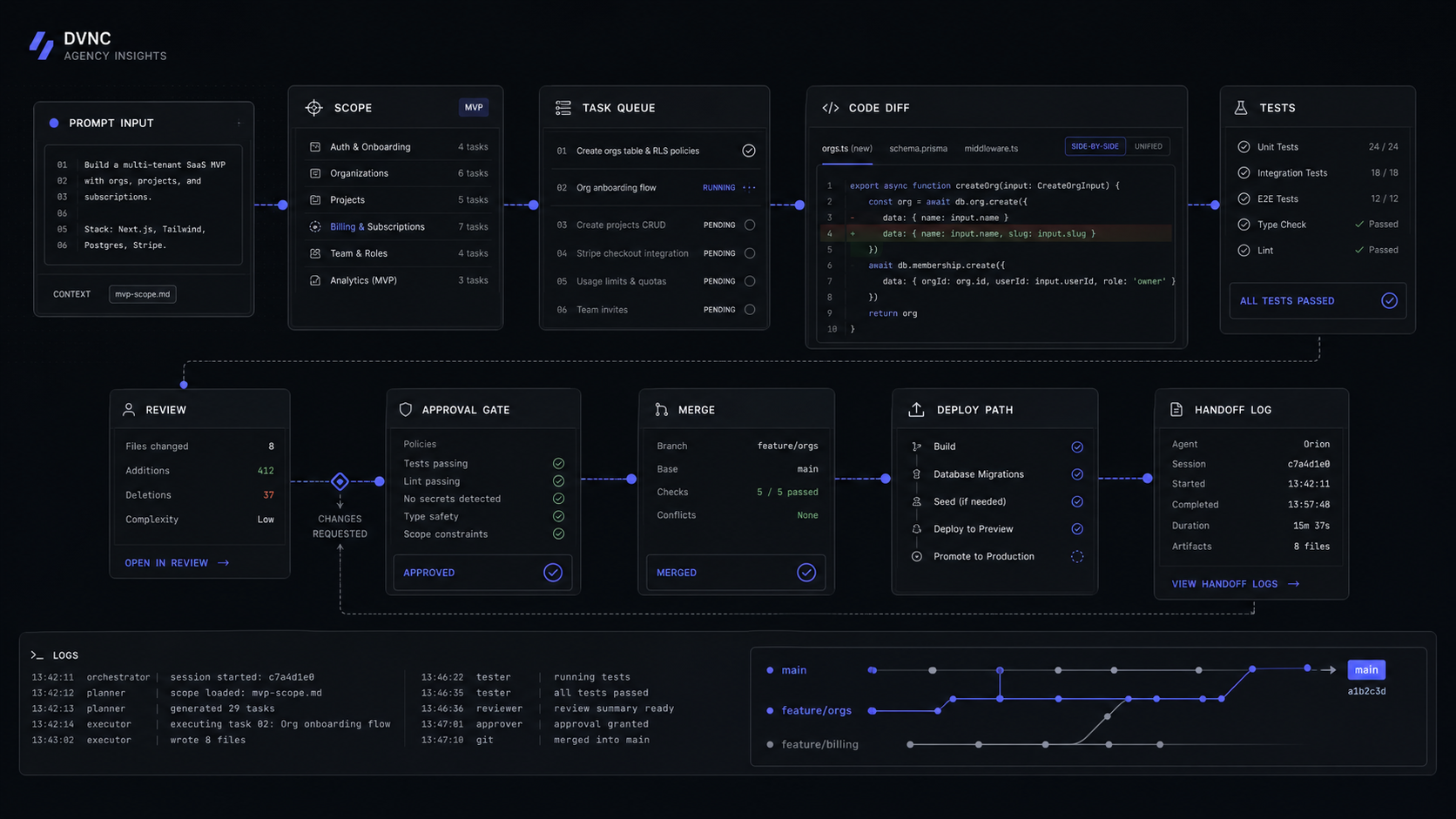
Do not stack agent work on top of unreviewed agent work. A SaaS MVP needs a clean chain of decisions: prompt, diff, test, review, merge.
Cursor Cloud Agents add another useful mode when the task can run away from the local machine. Cursor says Cloud Agents run in isolated cloud VMs with cloned repos, installed dependencies, secrets, startup commands, and network access. They can be launched from Cursor Web, Desktop, Slack, GitHub, Linear, and API, then work on separate branches and push changes for handoff.
That is useful for controlled background work, not vague product ownership. A good cloud-agent task is "upgrade the analytics package, run the test suite, and open a branch with the changelog." A bad cloud-agent task is "improve the dashboard." The first task has evidence. The second task has taste, strategy, and release risk hidden inside it.
Cursor's team controls are also relevant once more than one person touches the MVP. Teams includes centralized billing, a team marketplace for internal rules, skills, and plugins, Bugbot code reviews, Cloud Agents and automations with shared team context, usage analytics, team-wide privacy mode, and SAML/OIDC SSO. If the MVP is moving from founder build to team build, those controls matter more than another clever prompt.
Use Claude Code For Deep Repo Work And Terminal-First Tasks
Claude Code is strongest when the task belongs in the terminal. It can work across files and tools, edit files, run commands, and manage a project from the command line. That makes it a good fit for the parts of an MVP that need execution evidence rather than visual iteration.
Use Claude Code for tasks like test creation, failing-build diagnosis, dependency cleanup, migration scripts, auth edge cases, background jobs, and integration fixes. The pattern is not "ask for code and trust it." The pattern is "ask for a bounded change, require commands, inspect the output, then review the diff."
A typical founder-safe prompt looks like this:
In this repo, inspect the billing settings flow. Add tests for the usage-limit banner only. Do not change payment provider setup. Run the relevant test command. Show the changed files, failing cases if any, and the final test output.That prompt works because it names the surface, the boundary, the forbidden area, and the evidence. Claude Code can then operate like a terminal collaborator instead of a broad product guesser.
The plan decision is straightforward. Claude Pro is $20/month in the US and includes Claude Code access. Claude Max 5x is $100/month, and Max 20x is $200/month. Max 5x provides five times more usage per session than Pro, and Max 20x provides twenty times more usage per session than Pro.
The billing control matters. Anthropic says Pro and Max usage is shared across Claude and Claude Code. It also says Claude Code can present options for API credits, while Claude Console and API billing are separate systems. For an MVP team, that means usage credits should be a deliberate decision, not a surprise during a coding sprint.
Claude Code also fits teams that want clear terminal handoff. The install and setup path is explicit, and the CLI starts inside the project. That makes it easier to capture "what command ran, what failed, what changed" as part of the build log.
Use Codex For Cloud Tasks, Review, And ChatGPT-Connected Engineering
Codex is the strongest fit when the work needs to be delegated, reviewed, or governed through ChatGPT-connected engineering surfaces. It is not just a code generator. OpenAI defines Codex as a coding agent for software development, with surfaces across Codex app, CLI, IDE extension, web, and iOS.
Codex belongs in the MVP workflow when you want one of three outcomes:
- A bounded cloud task that can run against a repo and return a reviewable result.
- A code review workflow tied to GitHub.
- A local or IDE coding session that uses the same ChatGPT account and workspace controls.
OpenAI says Codex is included across Free, Go, Plus, Pro, Business, Edu, and Enterprise plans, with usage limits varying by plan. The pricing page lists Free at $0/month, Go at $8/month, Plus at $20/month, and Pro from $100/month. Business is pay as you go and includes larger virtual machines, ChatGPT credits, workspace admin controls, SAML SSO, MFA, and no training on business data by default.
That Business detail matters for real teams. If the SaaS MVP is inside a company workspace, the buyer is not only buying more agent usage. They are buying a controlled workspace with admin controls, identity, and default business-data protections.
Codex also has a useful API key mode for automation in shared environments like CI. OpenAI says API key access supports Codex in the CLI, SDK, or IDE extension, does not include cloud-based features such as GitHub code review and Slack, and is billed by token usage at API pricing.
Use Codex when the task is assignable:
Write the task as a reviewable work order
Name the repo area, expected output, allowed files, test command, and acceptance rule. Codex performs better as an engineering task runner when the prompt looks like work, not brainstorming.
Separate local help from cloud work
Use local Codex CLI or IDE extension for interactive work. Use cloud tasks and code review when the output can be inspected as a branch, review, or task result.
Track usage by surface
A local message, a cloud task, and a code review do not feel the same operationally. Codex pricing separates them for a reason, so scope them separately in the build plan.
For a fixed-price SaaS MVP, Codex becomes valuable when it reduces coordination cost. It is less useful when it adds another unbounded place for code to appear.
The MVP Build Loop That Keeps The Tools From Drifting
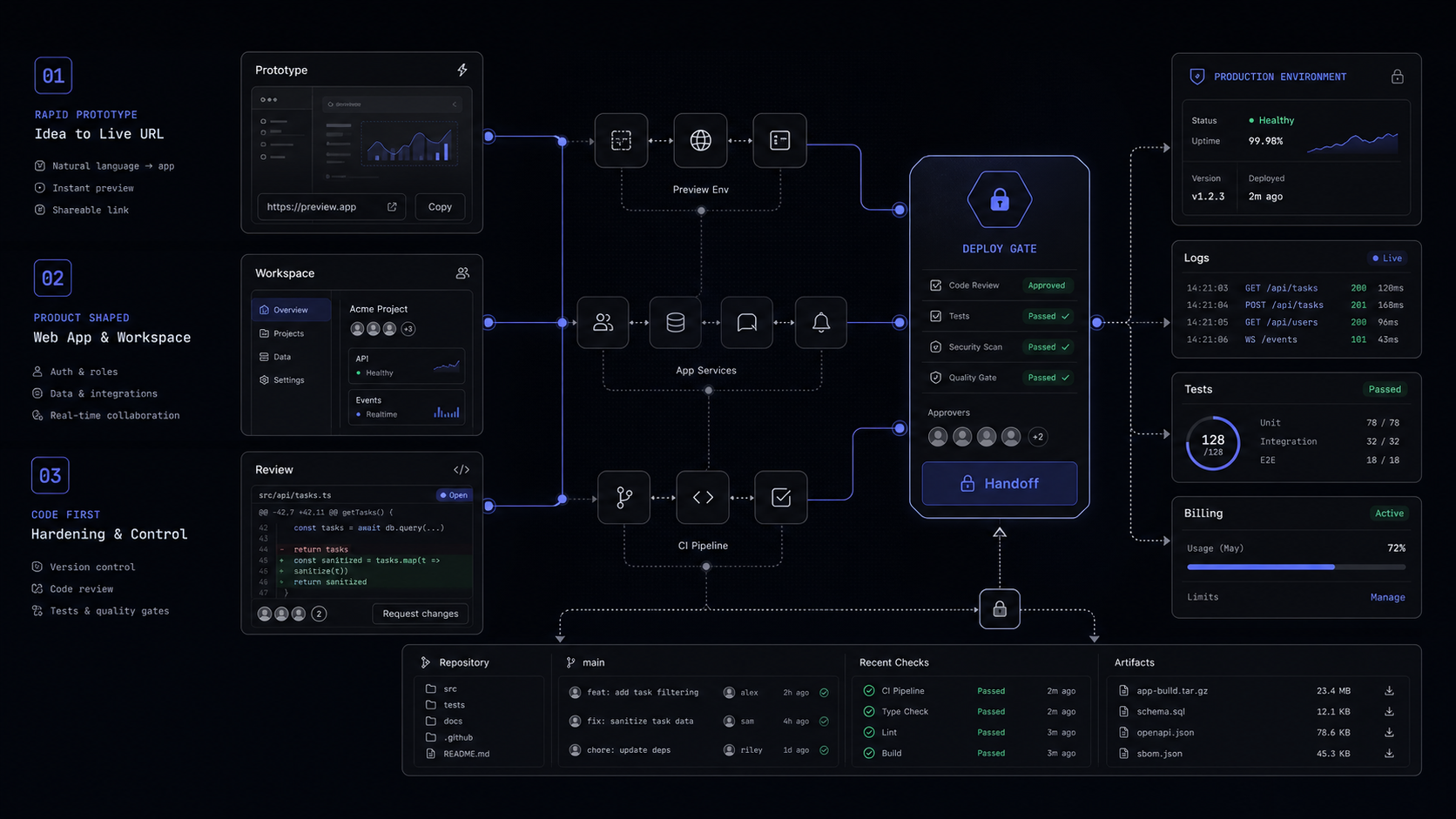
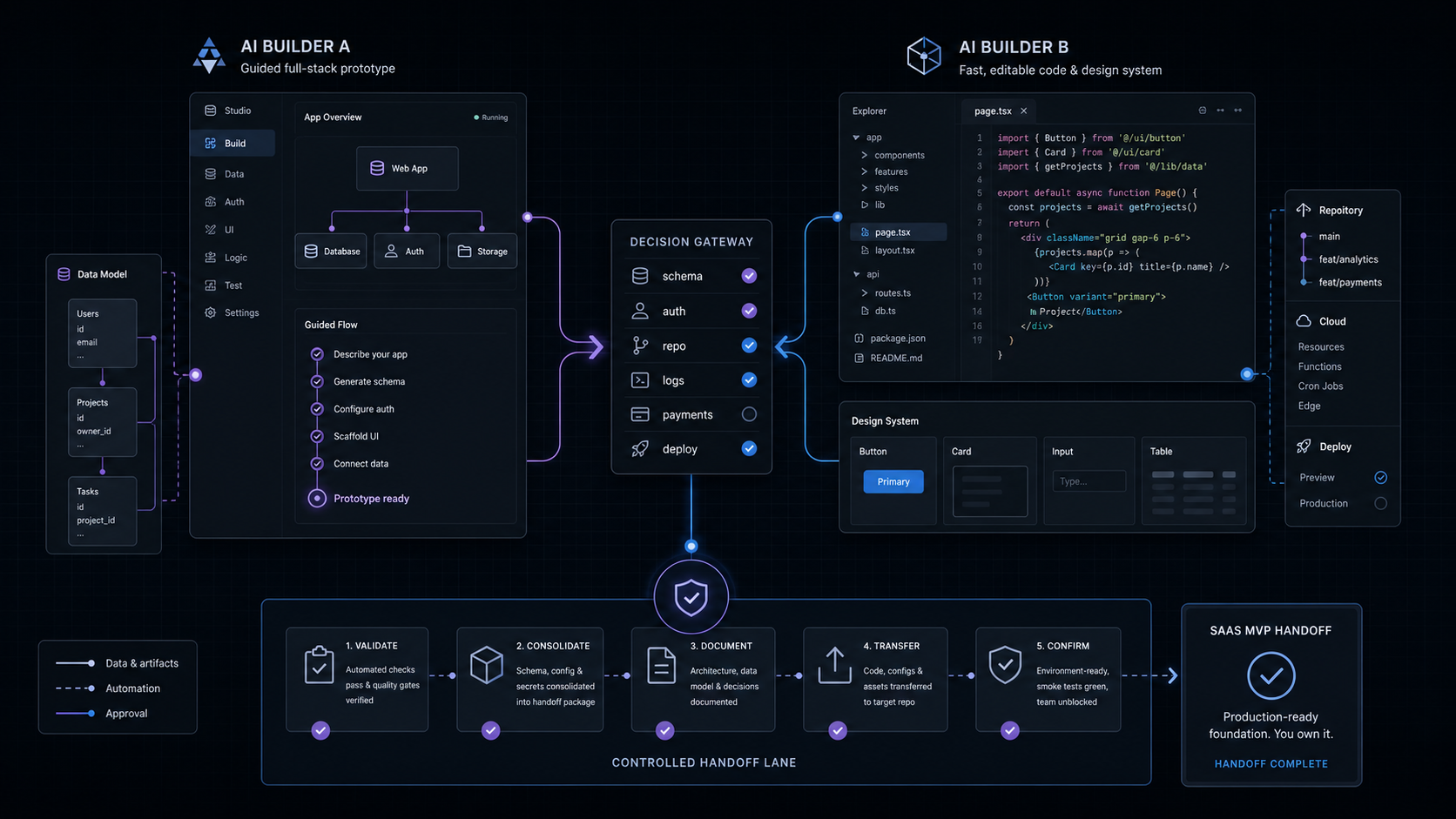
The safest setup is not Cursor versus Claude Code versus Codex. The safest setup is a single governed loop where each tool has a job and every change leaves evidence.
Use this operating model:
The build should also have a few hard rules:
- Every agent task gets a branch or diff boundary.
- Every build step has a test command or review checklist.
- Every AI-generated change is reviewed before another agent builds on top of it.
- Every external integration has a rollback note.
- Every cost-sensitive tool has a usage owner.
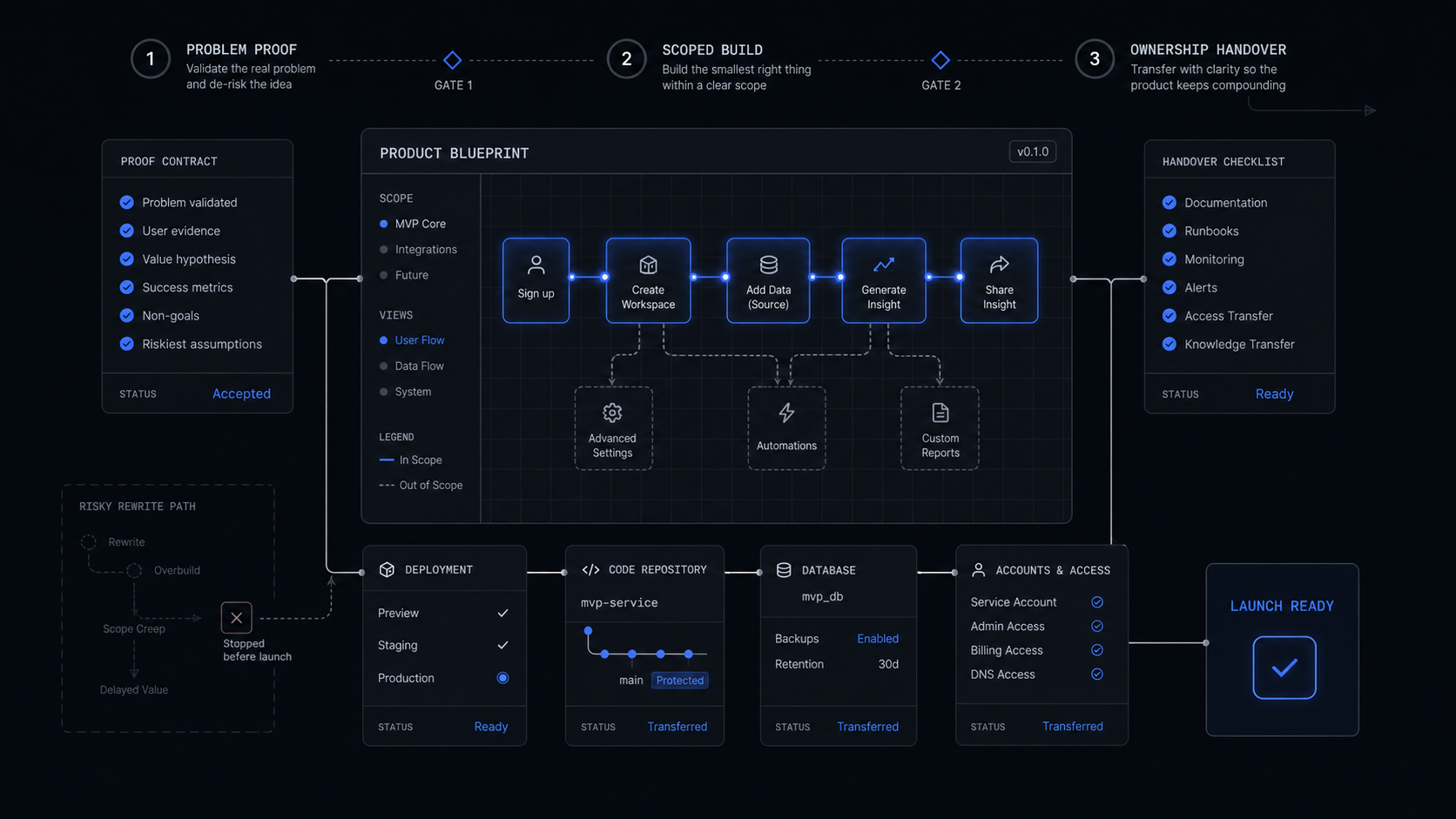
This is where a fixed-scope MVP differs from a tool experiment. A tool experiment asks, "What can the agent do?" A build asks, "What can we ship, verify, hand over, and maintain?"
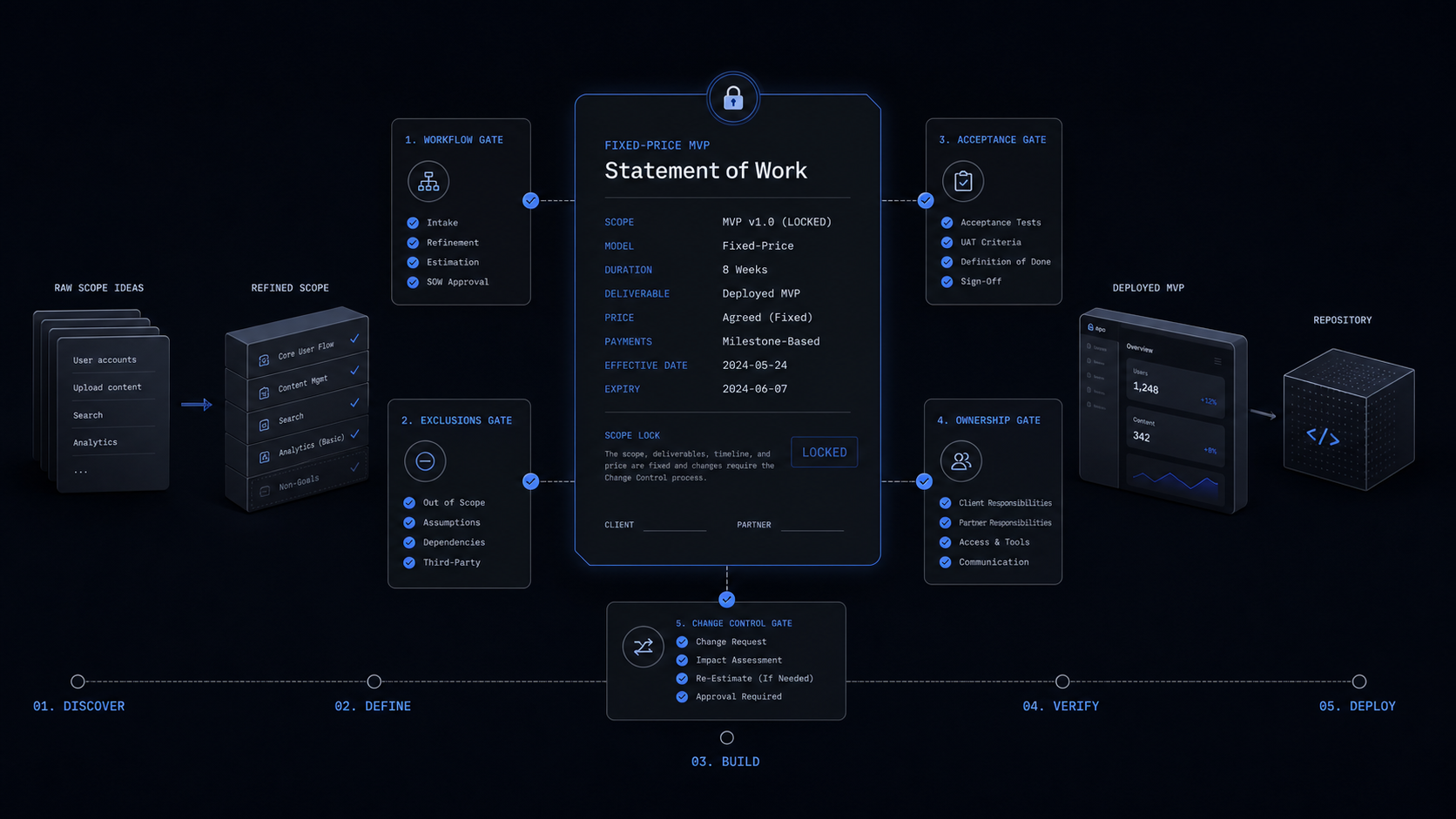
For founders comparing this to a studio build, start with what a fixed-price AI SaaS MVP should include. The tool choice should support that scope. It should not create a second product strategy.
FAQ
Is Cursor AI better than Claude for coding?
Cursor is better when the builder wants an AI-native editor and needs to stay close to product screens, diffs, and local implementation. Claude Code is better when the task is terminal-first and needs commands, files, tests, scripts, or repo-wide execution.
Is Cursor or Claude cheaper?
The entry price is similar: Cursor Pro is $20/month, and Claude Pro is $20/month in the US. Heavy usage changes the answer, because Cursor's agent usage can move users toward Pro Plus or Ultra, while Claude Code shares Pro or Max usage across Claude and Claude Code.
What can Claude Code do that Cursor cannot?
Claude Code's strongest distinction is the terminal-first workflow. It is built to work from the command line across files, tools, commands, tests, scripts, and git workflows, while Cursor is strongest as the daily AI editor.
Should Codex replace Cursor or Claude Code?
No. Codex should be added when cloud tasks, code review, ChatGPT-connected local tools, or workspace controls improve the engineering workflow. It is strongest as a governed task and review layer, not as a loose substitute for product judgment.
What should a founder use for a SaaS MVP?
Use Cursor for daily product implementation, Claude Code for terminal-heavy repo work, and Codex when task delegation or review should live in the ChatGPT-connected workflow. If budget or process is tight, start with Cursor plus one terminal or cloud task surface, then add the third only when the handoff is clear.
Scope Your AI SaaS MVP
Turn the core workflow into a controlled fixed-scope SaaS MVP with auth, payments, dashboard, logs, and handoff.
Jun 8, 2026