Lovable AI Website Builder Review: Prototype Fast, Rebuild Before Sales Depend On It
Lovable is useful for fast prototypes, but product sites need owned domain, SEO, security, handoff, and a controlled rebuild path before launch.

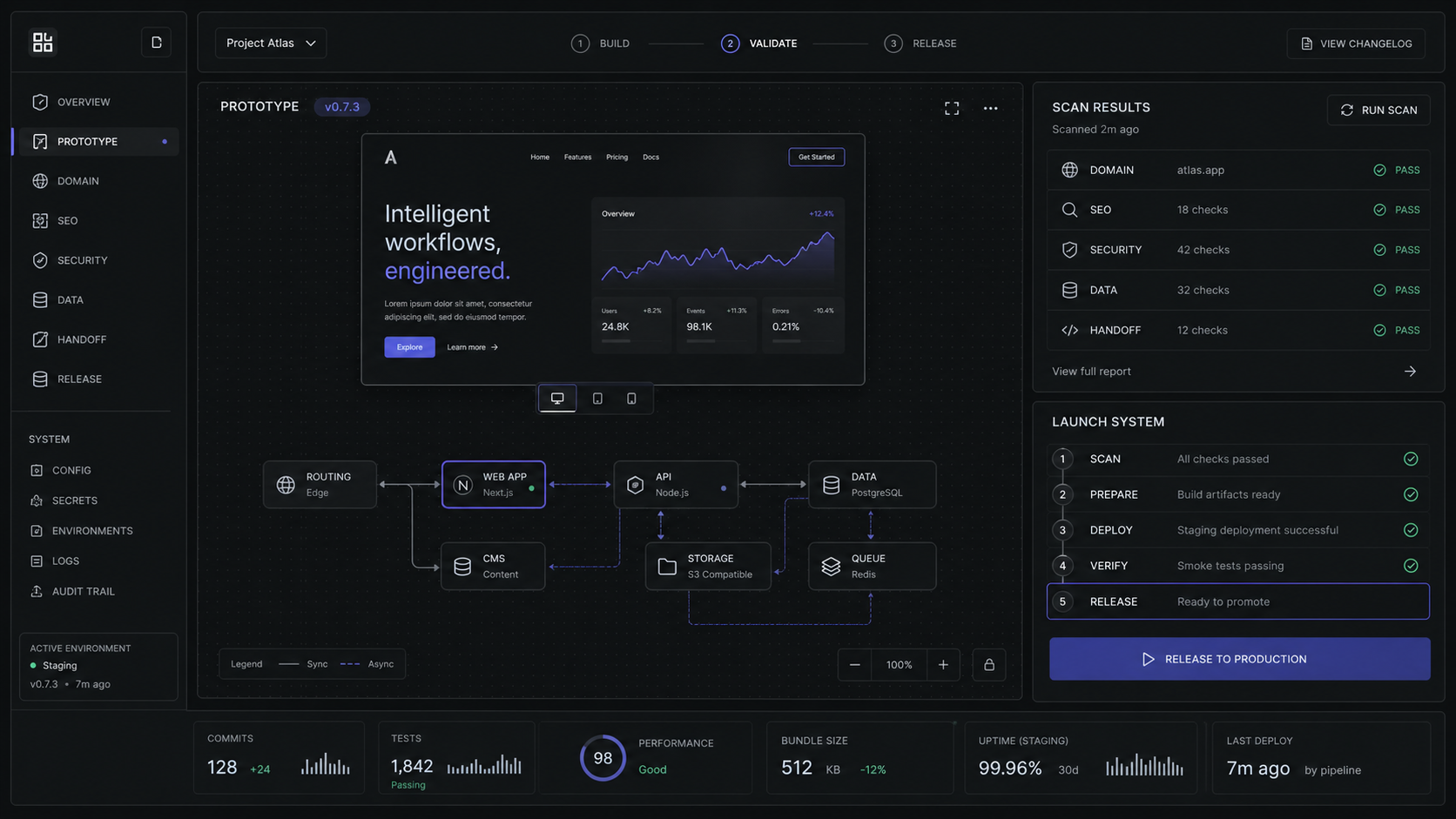
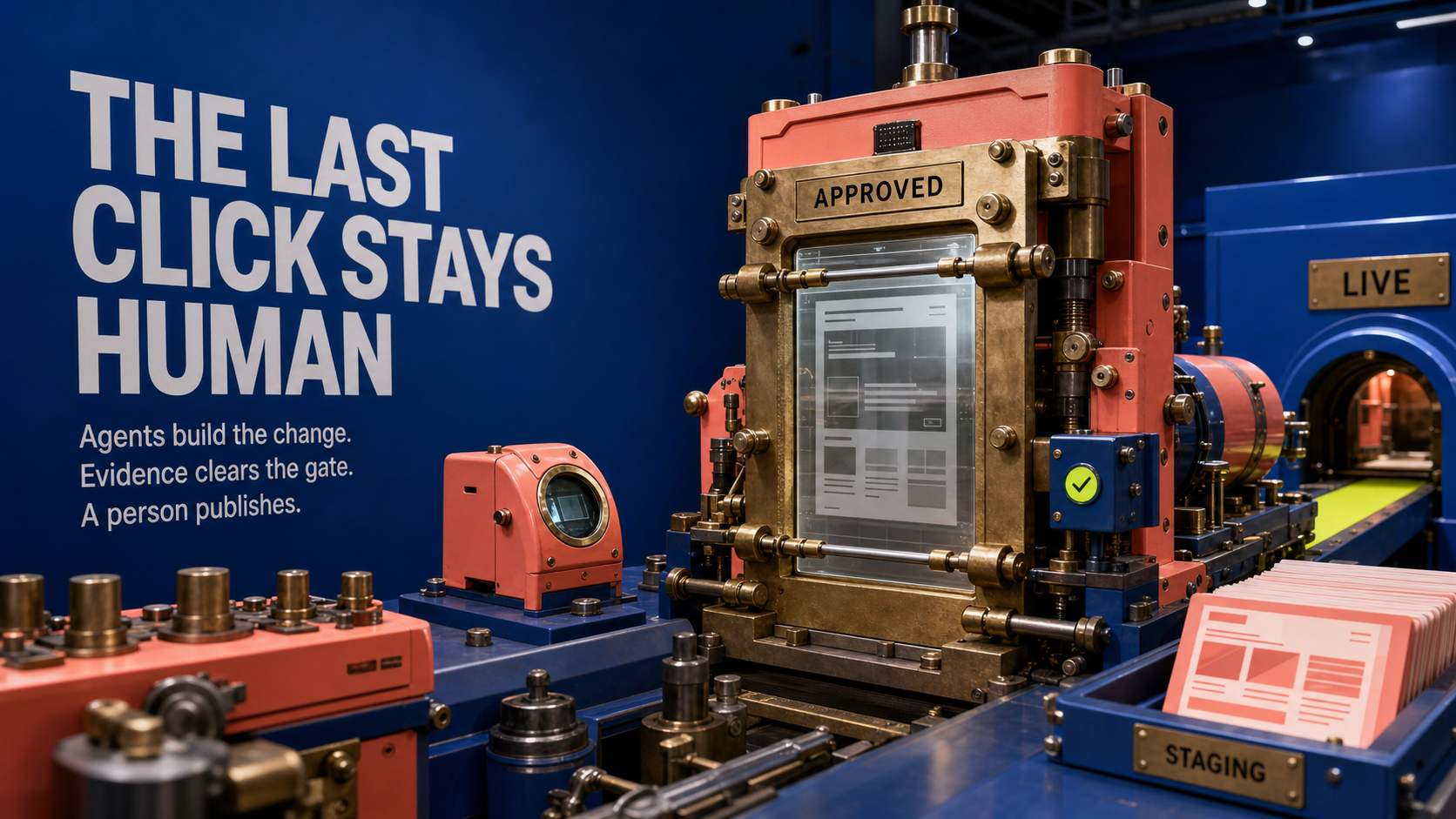
Lovable is worth using when you need a clickable prototype or internal proof quickly. It should not be the unreviewed foundation for a product site that carries sales, customer data, or paid traffic until the code, domain, SEO, analytics, security, and handoff are under control.
The Short Verdict
Lovable is strongest as a prompt-to-prototype builder, not as a substitute for product-site strategy. That is still valuable. A founder can turn a rough idea into a working screen, a product lead can test a workflow, and a marketing team can produce a campaign tool faster than a traditional blank-page build.
The problem starts when the prototype becomes the sales site by accident. A real product site has jobs that a generated first draft does not automatically solve: positioning, conversion hierarchy, proof, technical SEO, AI-search readiness, analytics, custom domain setup, security review, source control, and an owner who can maintain the system after launch.
Lovable says it creates apps and websites by chatting with AI, and its docs say generated apps can include frontend, backend, database, authentication, and integrations backed by editable code. Treat that as a build accelerator. Do not treat it as a finished launch system until the site passes a production checklist.

The decision is simple: use Lovable to prove the thing is worth building. Use a controlled product-site build when the page has to sell, rank, convert, and survive handoff.
What Lovable Actually Builds
Lovable is closer to an AI app workspace than a simple website builder. The official docs say it can generate a working application with frontend, backend, database, authentication, and integrations, and that projects produce code that can sync to GitHub and fit into engineering workflows.
That matters because the search phrase "Lovable AI website builder" undersells the real choice. If you only need a brochure page, a dedicated site builder may be simpler. If you need a small product, onboarding flow, internal dashboard, booking flow, or gated demo, Lovable becomes more interesting because it can touch the application layer.
The backend path is not imaginary. Lovable's docs say backend capabilities can use Lovable Cloud or a native Supabase integration. The Supabase integration covers PostgreSQL database, user authentication, file storage, real-time updates, and Edge Functions. For a buyer, that means Lovable can help draft the common parts of an app, not just paint a static page.
The payment path is also practical, with caveats. Lovable's Stripe guidance says Stripe setup can be chat-driven after Supabase is connected and the Stripe Secret Key is saved through the Add API Key flow. It also says subscriptions should be linked to the authenticated user's id in Supabase for secure role-based access.
That is exactly where the boundary sits. Lovable can create a meaningful first version, but production quality depends on whether someone verifies the data model, authentication, row-level security, payment state, error paths, and deploy process. A prompt can start that work. It should not be the only review.
Pricing And Credits In Plain Terms
Lovable pricing is easy to misread because the plan price is not the whole cost. The plan buys access and credits. The real buyer question is how quickly your team consumes credits while iterating, fixing, publishing, and applying SEO or security changes.

Students can verify student status for up to 50% off Lovable Pro, which is useful for learning and experiments. It does not change the production decision for a company site.
The paid-plan line is important for product sites. Custom domains are available on paid plans, and only paying users can remove the Lovable badge. If the site is meant to build buyer trust, the branded-domain and badge-removal details are not cosmetic. They are part of whether the site looks like your company owns the experience.
Free and Pro also have an access-control limit that matters. Lovable's publish docs say published apps on Free and Pro can be visited by anyone with the link, and website access cannot be restricted on those plans. Business and Enterprise can publish to Workspace for authenticated workspace members or Anyone for public web access.
The practical budget rule: do not ask "is Lovable cheap?" Ask "how many rounds of prompts, fixes, scans, domain changes, SEO passes, payment tests, and handoff edits will this launch need?" A prototype can stay cheap. A launch system needs room for review.
Where Lovable Fits In A Product-Site Stack
Lovable fits best before the final product site, beside the final product site, or behind it as a lightweight tool. It is not automatically the best place for the whole buyer journey.
For a SaaS founder, the clean path is to prototype the actual workflow in Lovable, then use what you learn to shape the sales site. The prototype answers whether the product idea is understandable. The product site answers whether the buyer trusts the company enough to take the next step.
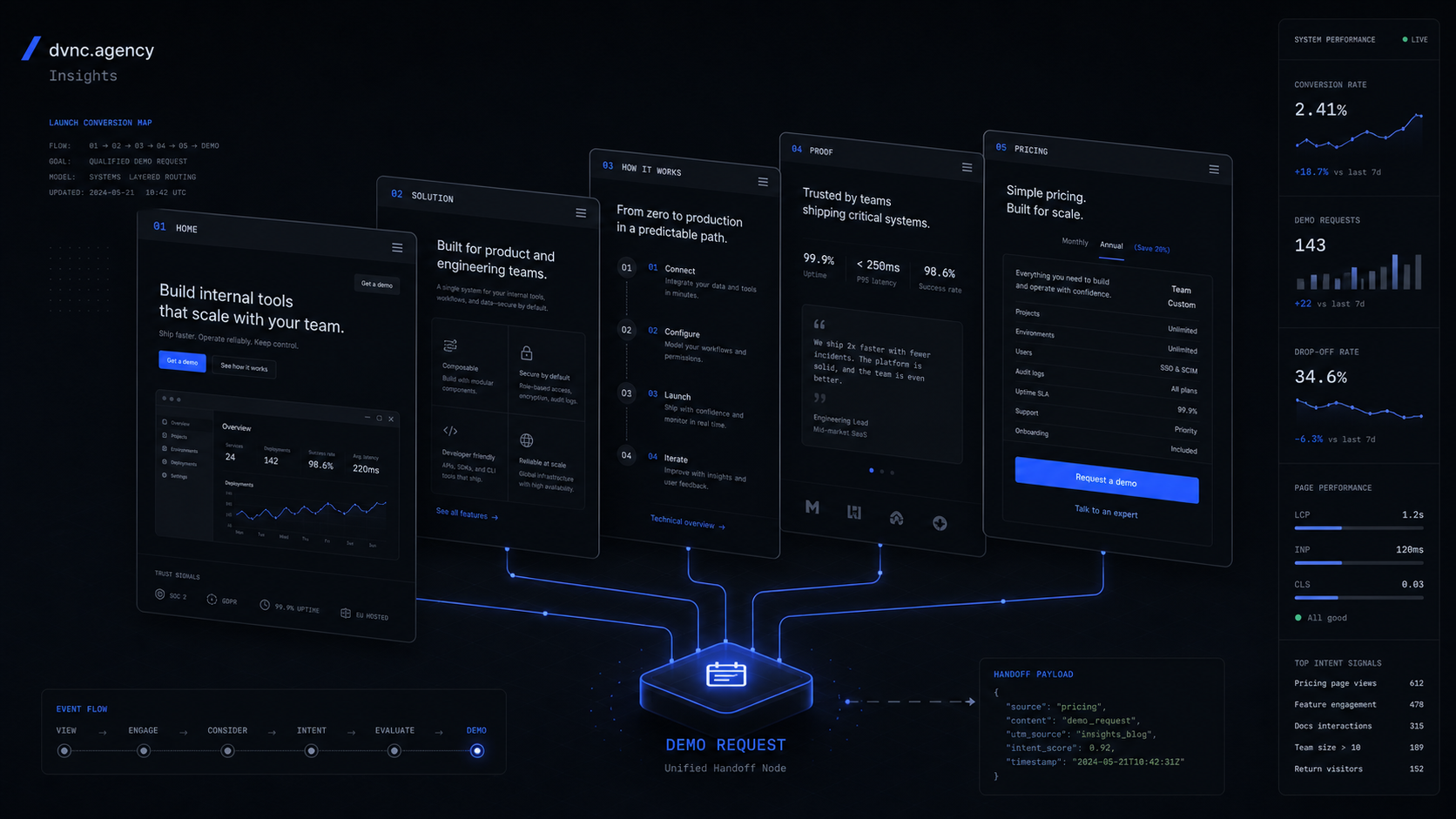
For a marketing or growth team, Lovable can help build a campaign calculator, ROI tool, gated demo, or interactive proof point. The public product site still needs its own information architecture: home, product, use cases, pricing or pricing logic, proof, security, FAQ, and conversion paths. Those pages need stable copy and analytics more than prompt speed.
For an internal product or ops team, Lovable is more directly useful. A private workflow app, admin panel, or dashboard can ship internally if the data rules, access model, and handoff are controlled. Business and Enterprise access settings make this more credible because internal publishing can be limited to workspace members.
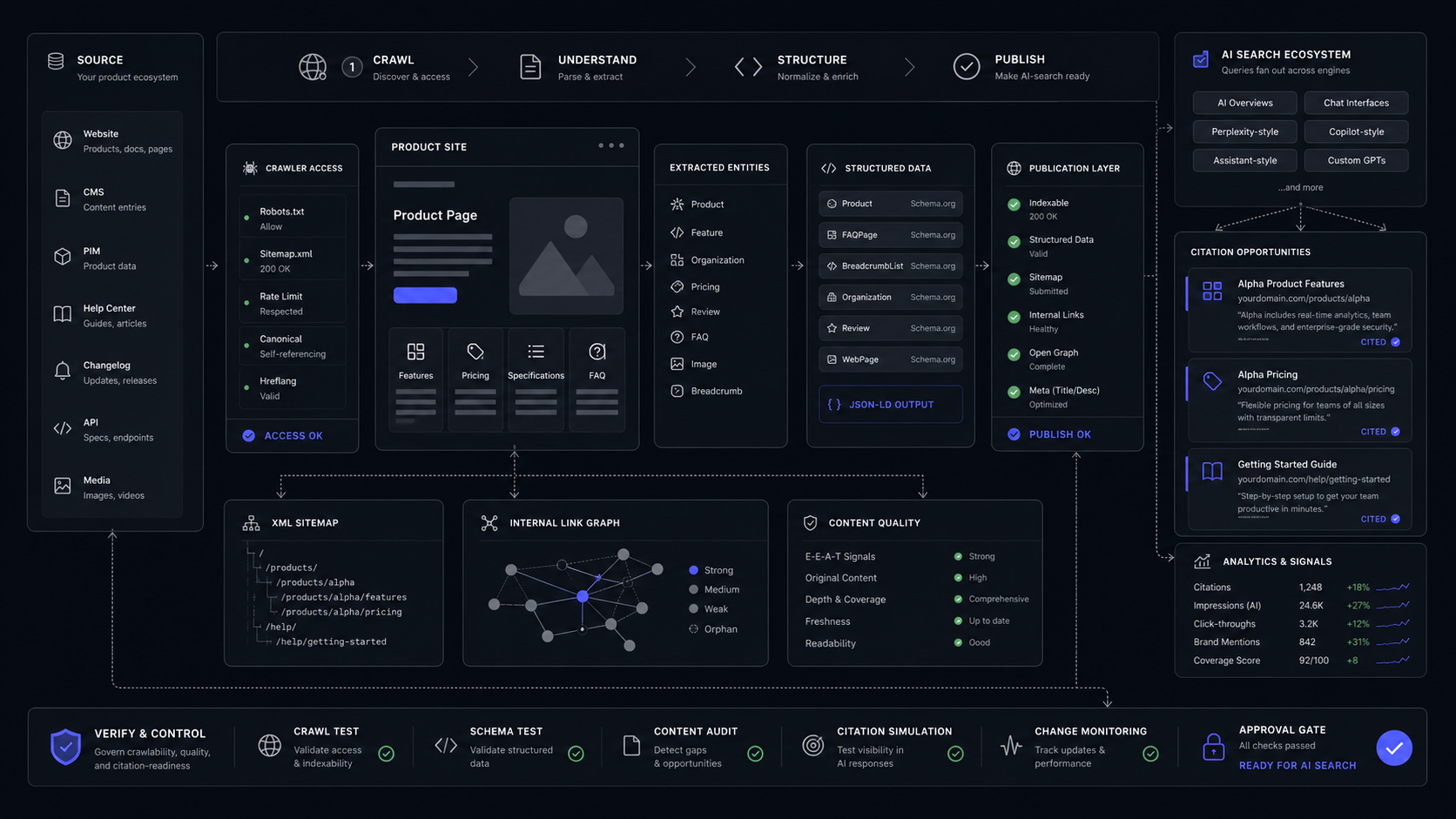
Lovable also has a current SEO and AI-search surface. Its SEO and AI search docs say the review checks sitemap, robots.txt, metadata, semantic HTML, content structure, alt text, canonical tags, indexing, accessibility, mobile usability, and performance. The same docs say the review is free on all plans, applying fixes with Try to fix uses regular message credits, and Semrush-powered SEO research has no additional cost through August 15, 2026.
That is useful, but it is not a positioning strategy. A tool can check metadata. It cannot decide why a skeptical buyer should believe the product. For that, the product site still needs a narrative, proof, comparison, and sharp calls to action.
If you are comparing broader builder choices, use the existing DVNC guide to the best AI website builders in 2026. If your real decision is between dedicated product-site platforms, use the DVNC comparison of Framer vs Webflow for SaaS product sites.
The Production Checklist Before You Publish
Lovable can publish quickly, but a buyer-grade product site should pass a release checklist before public launch. The checklist is not bureaucracy. It is what stops a useful prototype from becoming a fragile public system.
Lock the access model
Decide who should see the published app before anyone clicks Publish. On Free and Pro, anyone with the link can visit the published app, and website access cannot be restricted. On Business and Enterprise, the published app can be limited to authenticated workspace members or opened to anyone.
Move ownership into GitHub
Connect GitHub when the work needs backup, developer collaboration, pull requests, branches, code review, local IDE work, external deployment, or safer testing. Lovable's GitHub docs say changes sync in both directions, but Lovable only edits and syncs one branch at a time. That branch behavior needs to be part of the release process.
Set the domain and brand surface
Use a custom domain on a paid plan when the site faces buyers. The publish docs also let you configure favicon, site title, meta description, and social image. Those details affect trust, search results, and link previews.
Verify backend, secrets, and payments
If the site uses authentication, data, or payments, confirm the Supabase model, RLS policies, Edge Functions, and secret handling. Lovable's own docs say never to enter API keys directly in chat, and to use secrets in Lovable Cloud or Supabase with Edge Functions. For Stripe, connect Supabase, save the Stripe Secret Key through Add API Key, and test payment flows before launch.
Run security and SEO checks
The publish dialog runs a Basic security scan in the background, taking 10-15 seconds and checking RLS policy mistakes and schema-level access risks. Lovable's security docs say Basic scan covers RLS policy linting, database schema review, and dependency audit. Deep scan adds access-control review, backend endpoint protection, code-level vulnerability checks, and project-specific issues. Lovable says these tools support secure development but do not replace a thorough security review.
Publish intentionally, then update intentionally
Lovable deploys a snapshot when you publish. Future changes are not automatically pushed live, so updates require Publish -> Update. That is useful because the live site does not change on every edit. It also means someone must own the release rhythm.
The handoff test is blunt: if the person responsible for the site cannot explain where the code lives, how the live URL updates, where secrets are stored, how user data is protected, and how the site gets measured, it is not ready to carry sales.
When To Use Lovable, Framer, Webflow, Or Next.js
Use Lovable when speed to a working prototype matters more than long-term content operations. That includes internal tools, early SaaS workflows, clickable demos, simple dashboards, and experiments where the next decision depends on seeing the thing work.
Use Framer or Webflow when the main asset is a controlled marketing site. Those tools are better fit when the site owner needs design control, reusable page structures, CMS workflows, fast copy iteration, and a clean division between marketing pages and product code.
Use Next.js when the site is product infrastructure. That means logged-in app surfaces, deeply custom performance needs, complex routing, heavy experimentation, custom data fetching, or a shared codebase with the product itself.
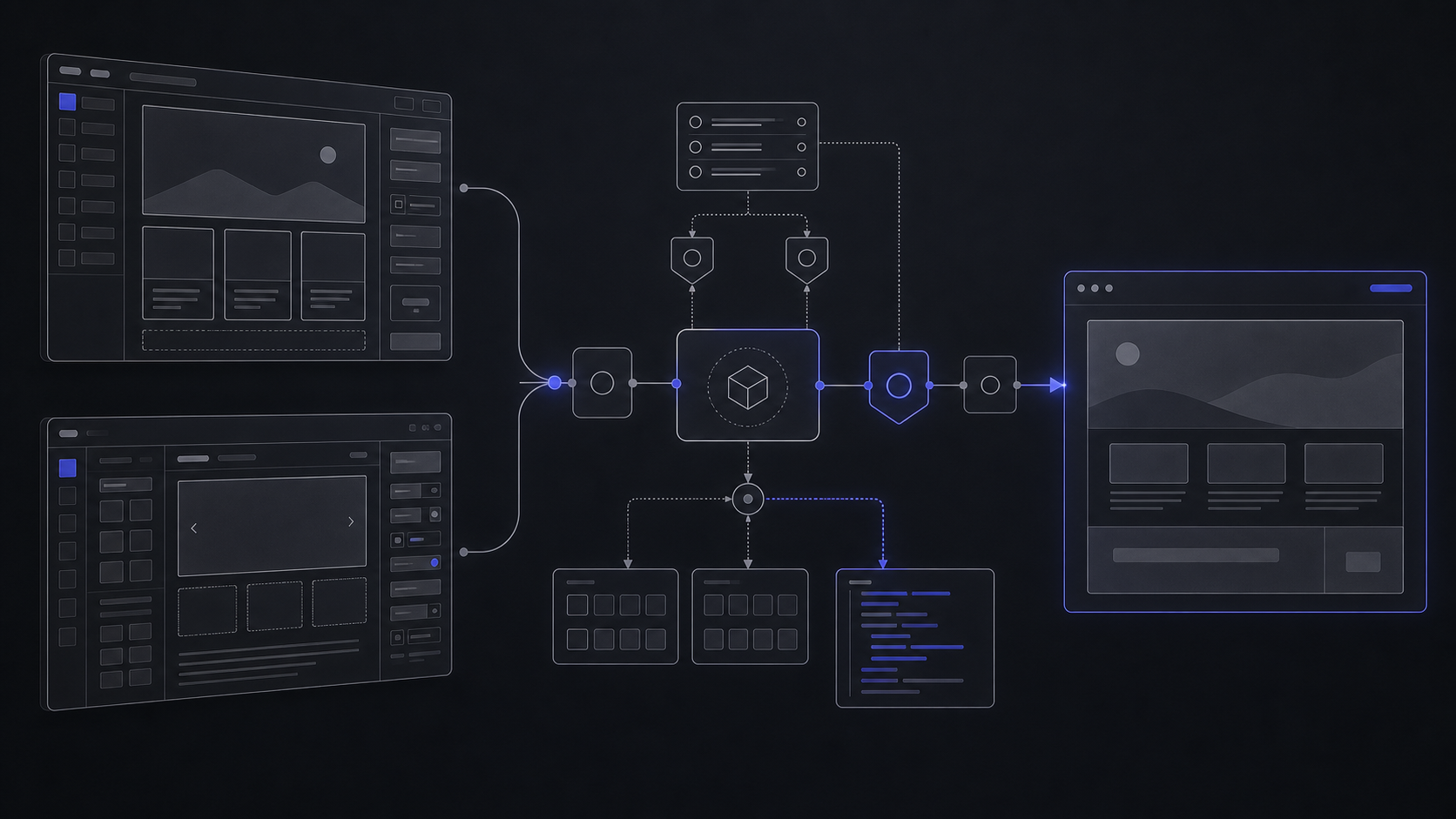
Use Lovable plus a product-site build when the prototype teaches the launch plan. This is often the strongest path: prompt the workflow, learn what buyers need to see, then build the flagship site around the actual product promise instead of a generic landing page.
- Fast first draft for apps, websites, and workflow prototypes.
- Official Supabase path for database, auth, storage, real-time updates, and Edge Functions.
- GitHub sync and code export paths support ownership and developer handoff.
- Paid plans support custom domains and badge removal.
- Business and Enterprise add internal publishing and stronger governance features.
- Free and Pro published apps cannot restrict website access.
- Credits can become the real iteration budget.
- Security tools help, but Lovable says they do not replace a thorough review.
- A generated site still needs positioning, copy, analytics, SEO, and conversion design.
- Two-way GitHub sync edits one active branch at a time, so release process still matters.
FAQ
Can Lovable AI create a website?
Yes. Lovable says it creates apps and websites by chatting with AI, and its docs include websites and marketing pages among supported build types. Treat the first result as a prototype until the domain, SEO, analytics, security, and handoff are reviewed.
How much does Lovable AI cost?
Free is $0 per month. Pro is $25 per month on annual billing. Business is $50 per month on annual billing. Enterprise uses a platform fee based on company size. The real cost depends on credit use, Cloud and AI usage, review cycles, and whether the site needs paid-plan capabilities such as custom domains.
Is Lovable good for website design?
Lovable is good for turning a rough direction into a visible screen quickly. It is weaker as the only product-site decision because design quality also depends on positioning, message hierarchy, proof, accessibility, performance, metadata, analytics, and whether buyers trust the brand.
How much does a website on Lovable cost?
A simple evaluation can start on the Free plan. A branded buyer-facing site usually needs at least the paid-plan capabilities around custom domains and badge removal. The platform plan is only one part of the cost; the serious work is review, copy, SEO, analytics, security, and maintainable handoff.
Which is cheaper, Bolt or Lovable?
Do not choose from sticker price alone. Compare the unit that gets consumed, the code ownership path, backend needs, access controls, security process, and rebuild cost. A cheap prototype becomes expensive if it has to be rebuilt after buyers already depend on it.
Should a SaaS MVP be built entirely in Lovable?
Sometimes Lovable is enough to validate the first workflow. A SaaS MVP that handles real users, payments, private data, or support workflows needs a controlled scope, reviewed backend, tested payment states, source control, and clear ownership before it is treated as production.
Scope Your Product Site
Turn a prototype, AI builder draft, or rough product story into a flagship product site with controlled copy, conversion paths, SEO, analytics, and launch handoff.
Jun 5, 2026