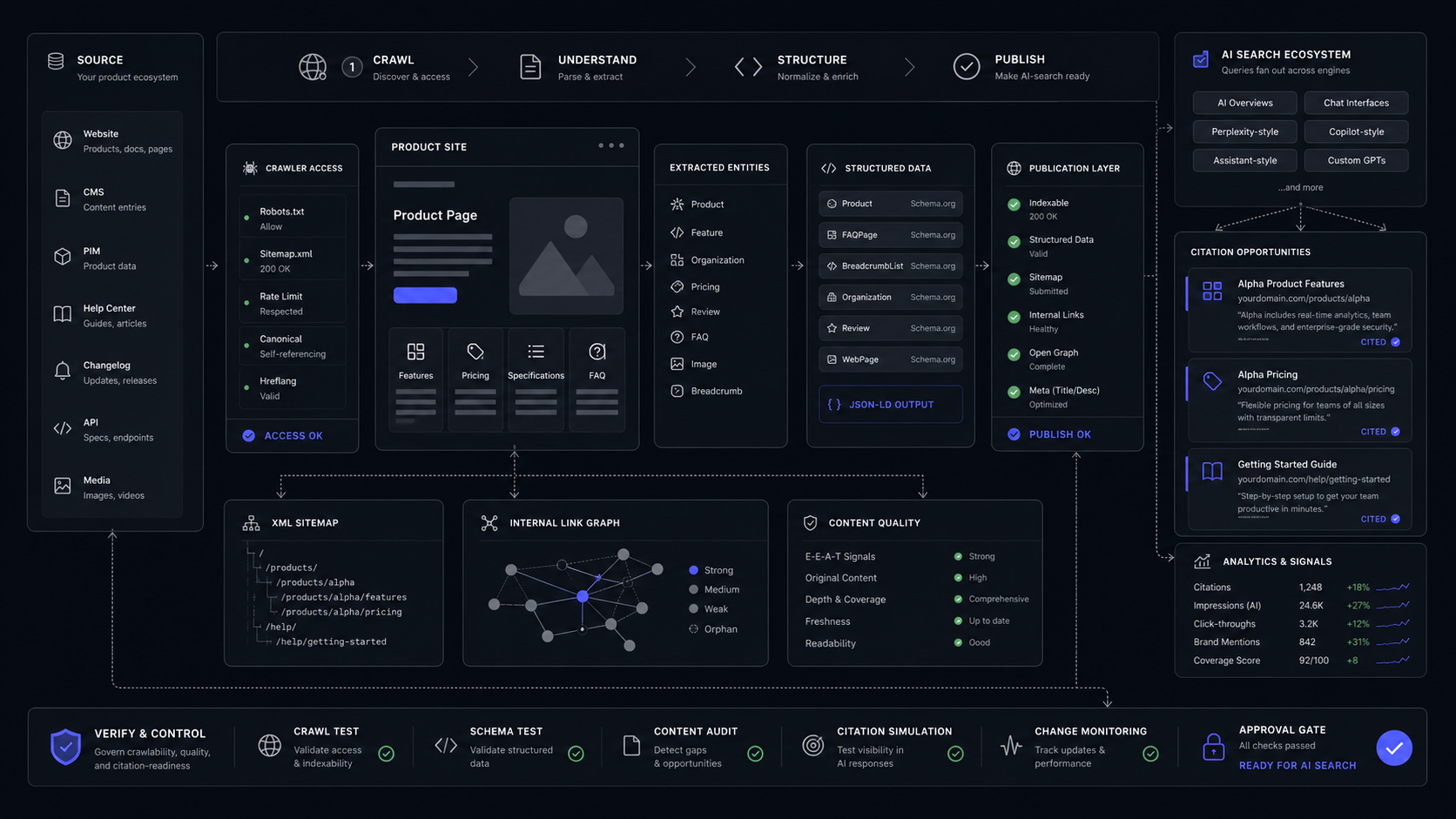
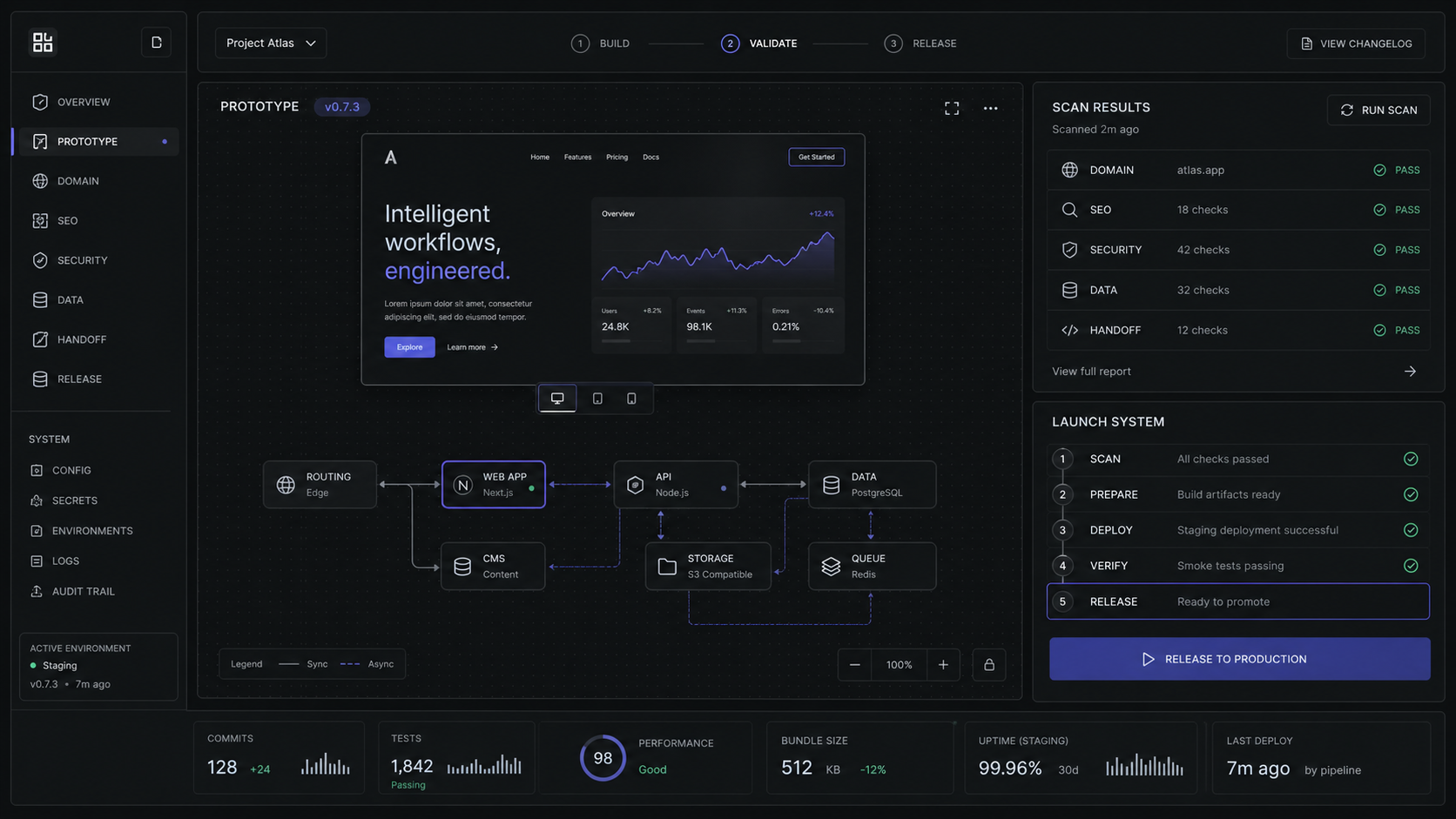
Framer vs Webflow for SaaS Product Sites: Which Should You Choose?
Choose Framer for fast SaaS launch pages, Webflow for structured marketing operations, and Next.js when the product site needs app logic.

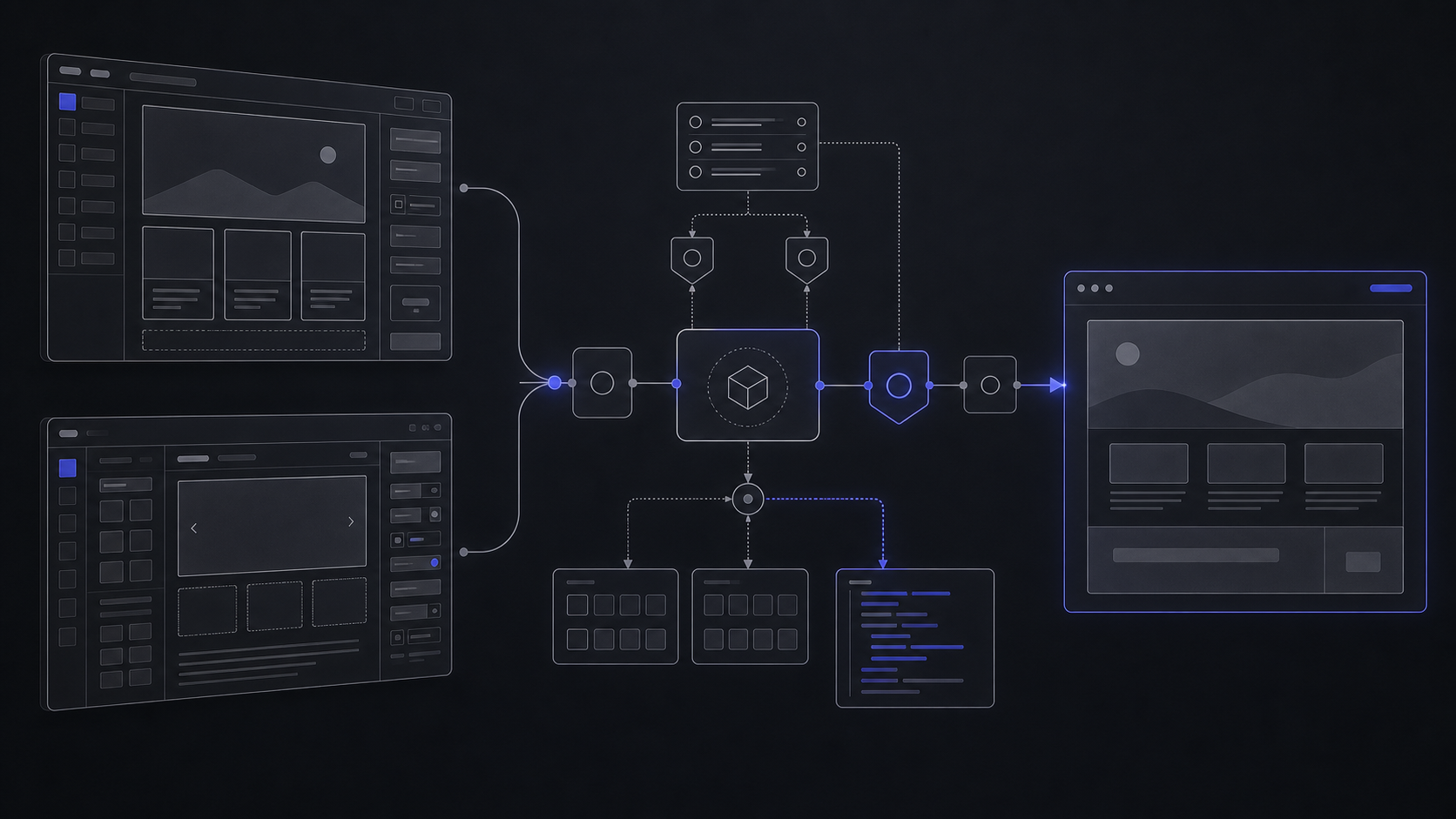
Choose Framer when your SaaS site is mostly positioning, launch pages, campaign pages, and fast design iteration. Choose Webflow when the site is becoming a structured marketing system with content operations, roles, optimization, and deeper integration needs.
The Short Answer For A SaaS Team
Framer is the better default for a focused launch site. Webflow is the better default for a marketing system. Next.js is the better build when the site is really a product surface with authentication, app state, custom data, or AI workflows behind it.
That distinction matters more than the usual design-tool debate. A five-page AI SaaS site with a homepage, pricing page, security page, two campaign pages, and frequent messaging changes should not wait on a full custom build. Framer gives a design-led team enough CMS, SEO, hosting, collaboration, and publishing control to move quickly without turning every copy change into an engineering task.
A content-heavy product site is different. If the site will carry a blog, comparison pages, integration pages, use-case pages, role-based publishing, SEO experiments, analytics, and multiple contributors, Webflow is usually the safer operating system. It gives marketing and design a structured visual platform while still leaving more surfaces for developers and operations.
Use custom Next.js when the web experience cannot be cleanly separated from the product. Next.js is a React framework for building full-stack web applications, so it fits when the page needs logged-in state, customer-specific content, product data, custom AI interactions, or backend-controlled workflows. For a product site, that is the boundary: builder for marketing control, code for product logic.


Price And Capability Comparison
The base prices are close enough that the real decision is not the sticker price. The real cost is the operating model: how many people edit, how much content the CMS carries, how often the site changes, and whether optimization or governance becomes part of the site.


For a two-person founder team, the math is simple. A Framer Basic site at $10/mo on annual billing can carry a small launch site with 30 pages, 2 CMS collections, 1,000 CMS items, and 50 GB bandwidth. If the same team needs staging, roles, redirects, and relational CMS, Framer Pro moves that to $30/mo on annual billing and raises the site to 150 pages, 10 CMS collections, 2,500 CMS items, and 100 GB bandwidth.
For a marketing team with more contributors, Webflow needs a second pass. The Webflow Premium Site plan is $25/mo on annual billing and includes Webflow CMS, code components, site search, form file upload, and selectable bandwidth from 50 GB through 2.5 TB. But every Webflow site also lives inside a Workspace. Workspace Core is $19/mo on annual billing, Workspace Growth is $49/mo on annual billing, Full seats are $39/mo per seat, and Limited seats are $15/mo per seat. That is not bad pricing when governance matters, but it is a different budget shape.
Choose Framer When Speed Is The Constraint
Framer wins when the site needs a strong first impression and frequent design changes, but not a complex publishing operation. That makes it a good default for early SaaS sites, AI feature launches, waitlists, investor-facing product narratives, campaign landing pages, and design-led comparison pages.
The practical reason is workflow. A designer can move from mockup to production faster when the canvas behaves closer to the design tool they already use. Framer supports real-time collaboration, metadata, canonical settings, indexing controls, redirects, sitemaps, staging, and rollback. The buyer claim is simple: Framer reduces the number of handoffs before a polished marketing page is live.
Here is a clean Framer scope for a SaaS launch:
Keep The First Site Under One Messaging System
Build the homepage, product page, pricing page, security page, and two campaign pages from one component set. Do not let each campaign invent its own layout rules.
Use CMS Only Where It Reduces Repetition
Put changelog entries, use cases, integration pages, and comparison pages in CMS collections. Keep core conversion pages hand-designed so positioning can move quickly.
Require Staging Before A Public Rewrite
Use Framer Pro if the team will change pricing, category positioning, or buyer claims often. Staging and instant rollback are worth more than the price jump when the homepage is tied to paid traffic.
Log The Handoff
Document who owns copy, who owns publish approval, what pages are CMS-backed, what redirects exist, and which pages are tied to campaigns. The site should survive the first month of updates.
Framer stops being the obvious choice when the site owner asks for advanced governance, programmatic content operations, or deep integrations. A product marketer can run a clean Framer site. A larger marketing org with multiple contributors, approval paths, analytics experiments, and integration demands usually needs a stronger operating model.
The warning is not that Framer is "too small." Its Scale plan supports 10,000 CMS items, 20 CMS collections, 200 GB bandwidth, and add-ons up to 40,000 CMS items, 40 CMS collections, and 2 TB bandwidth. The warning is that scale is not only item count. Scale is who changes what, who approves it, what breaks when a campaign ships, and how quickly the team can trace the issue.
Choose Webflow When The Site Becomes A Marketing System
Webflow wins when the site is an owned growth surface, not just a brochure. If the roadmap includes content hubs, integration pages, programmatic SEO, gated resources, localization, publishing permissions, analytics, A/B tests, and marketing-owned page production, Webflow is usually easier to defend.
Webflow's current Site plan structure is important. The free Starter plan is for experimenting and includes a webflow.io domain, limited Webflow CMS, 2 static pages, 1 GB bandwidth, and 50 form submissions. Basic is $15/mo on annual billing and is explicitly for simple sites that do not need a CMS. Premium is the first obvious plan for a content-rich site at $25/mo on annual billing, with Webflow CMS, code components, site search, form file upload, and well-known files.
The second layer is Workspace. Site plans cover the site itself, while Workspace plans control staging, teammates, clients, and collaboration. That distinction is easy to miss during tool selection and painful to discover after launch. If the team needs publishing permissions, site-level roles, site password protection, and unlimited staging sites, Workspace Growth is $49/mo on annual billing before additional seats.
Webflow becomes the better call in this scenario:
Webflow also has a stronger developer story for mixed teams. It exposes clean HTML, CSS, and JS surfaces, MACH-certified APIs, programmatic content control, publishing workflows, design approvals, native SEO tools, analytics, A/B testing, personalization, and Webflow Code Components. The buyer point is clear: Webflow gives marketing a visual platform without cutting engineering out of the system.
The cost tradeoff is real. Webflow Optimize starts at $299/mo based on page views. Analyze starts at $9/mo based on sessions. Bandwidth add-ons for Premium start at +50 GB for +$20/mo billed annually or +$30/mo billed monthly. Full seats are $39/mo per seat on annual billing. For a serious marketing team, those costs may be justified. For a founder who needs a clean launch site this month, they are probably extra weight.
Use Next.js When The Site Is Really Product Infrastructure
Choose Next.js when the website is no longer only a marketing asset. The boundary is not "we have developers." The boundary is whether the page needs to behave like software.
Next.js is a React framework for building full-stack web applications. That means it fits when the product site needs authentication, customer-specific content, server-side logic, custom dashboards, AI workflow previews, usage calculators backed by live data, or routes that share code with the app. Vercel Pro is $20/mo and includes $20 of usage credit, team collaboration, and free viewer seats, but hosting price is rarely the main cost. The real cost is owning the application surface properly.
Use this decision rule:
For AI product sites, this boundary comes up fast. A landing page that explains an AI support feature can live in Framer or Webflow. A working triage demo that routes a real ticket through policy checks, logs the decision, and hands off to a human should live in a controlled codebase. That is where the site stops being a page and starts being a system.
The Decision Rule We Use Before Build
Pick the platform after you define the site owner, content model, integration depth, and release risk. Personal preference belongs after those four constraints.
For a DVNC-style product-site scope, we ask four questions before picking the stack:
-
Who updates the site after launch? If a founder or designer owns updates, Framer is attractive. If marketing, design, and engineering all touch different parts, Webflow or code gets stronger.
-
What is the repeatable content shape? A few campaign pages can be hand-built. Integration libraries, comparison pages, use-case pages, and content hubs need a real content model.
-
What has to integrate with product data? Static claims, screenshots, and forms are builder-friendly. Account-aware content, live calculators, AI demos, and workflow logs push toward Next.js.
-
What happens when the wrong page ships? If release risk is low, speed matters most. If a pricing page, security claim, or paid campaign page can create real damage, staging, roles, approvals, and rollback matter.
That gives a practical verdict:
- Best for fast, polished SaaS launch sites and campaign pages.
- Strong when design iteration is the bottleneck.
- Easier to forecast for a small team.
- Less compelling when governance, programmatic content, and deep integrations become the main requirement.
- Best for structured marketing sites with content operations.
- Stronger for roles, publishing workflows, APIs, analytics, optimization, and developer collaboration.
- More expensive to forecast because Site, Workspace, seat, bandwidth, and add-on costs can stack.
- More setup than a small launch site usually needs.
If you are choosing between the broader AI website-builder category first, start with the AI website-builder comparison. If the decision is already narrowed to Framer and Webflow, the choice is simpler: Framer for speed, Webflow for operations, Next.js for product logic.
Is Framer or Webflow better for SaaS landing pages?
Framer is usually better for a focused SaaS landing page when speed, visual polish, and iteration matter most. Webflow is better when that landing page is part of a larger content, analytics, optimization, and publishing system.
Is Webflow more expensive than Framer?
It can be. Webflow Basic is $15/mo on annual billing and Premium is $25/mo on annual billing, but Workspace plans, Full seats at $39/mo, Limited seats at $15/mo, Optimize at $299/mo, Analyze at $9/mo, and bandwidth add-ons can change the real cost. Framer Basic is $10/mo, Pro is $30/mo, and Scale is $100/mo on annual billing, with editor and usage add-ons layered separately.
Can Framer handle CMS pages?
Yes. Framer Basic includes 2 CMS collections and 1,000 CMS items, Pro includes 10 CMS collections and 2,500 CMS items, and Scale includes 20 CMS collections and 10,000 CMS items. Scale add-ons can raise the ceiling to 40 CMS collections and 40,000 CMS items.
Is Webflow better for SEO than Framer?
Webflow is usually stronger for mature SEO operations because it combines CMS, roles, redirects, APIs, analytics, testing, and optimization paths. Framer still covers the core SEO controls most launch sites need, including metadata, canonical settings, indexing controls, redirects, and sitemaps.
When should a team skip both and use Next.js?
Use Next.js when the site needs app behavior: authentication, customer-specific content, product data, custom AI workflows, live calculators, workflow logs, or backend-controlled approvals. If the experience can stay static or CMS-backed, Framer or Webflow will usually ship faster.
Scope Your Product Site
Design and build a flagship AI product site with the right stack, content model, launch system, and handoff controls.
Jun 3, 2026