Google Stitch vs Figma for Product Design: Prototype or Production System?
Google Stitch is faster for UI directions. Figma is the stronger product design system. Compare price, prototypes, handoff, and the hybrid workflow.


Use Google Stitch to generate and challenge early UI directions. Use Figma as the product design source of truth once components, states, collaboration, and developer handoff must survive the build.
The verdict: use Stitch to diverge, Figma to converge
Google Stitch is the better front end of the design process; Figma is the better system of record for what gets built. A system of record is the maintained artifact that product, design, and engineering agree is current. That distinction matters more than which tool produces the more impressive first screen.
For a funded founder, Stitch is useful while the interface is still a question. It can turn a product objective, reference image, rough wireframe, or spoken direction into high-fidelity UI and clickable flows. Figma becomes necessary when an approved direction needs reusable components, explicit states, responsive behavior, comments, implementation detail, and a durable relationship to the codebase.
Consider an approval product for operations teams. Stitch can quickly show whether the product should lead with a queue, a risk summary, or a guided review. Once you choose the guided review, engineering needs to know how it behaves when data is loading, evidence is missing, the reviewer lacks permission, or the approval expires. That is no longer visual exploration. It is product specification.
The current comparison is AI canvas versus product system
This is no longer a comparison between an AI generator and a manual design canvas. Both products now support prompt-led work, agent workflows, prototypes, and paths into code. They differ in what they are designed to preserve.
Google’s March 18, 2026 Stitch update introduced an AI-native infinite canvas, a project-aware design agent, an Agent manager for parallel directions, instant prototypes, voice-directed iteration, DESIGN.md, and integrations through MCP. MCP means Model Context Protocol, a standardized interface that lets AI agents interact with data sources. Google’s later real-time Stitch update added streamed work that you can steer before completion, plus routes into Google AI Studio, Google Antigravity, and Netlify.
Figma now pairs its established design canvas with Figma Make, an on-canvas agent, Dev Mode, and its own MCP server. Figma Make can generate a functional prototype or web app from a prompt, use existing designs or components as context, and keep code-backed output visually editable. The comparison has therefore moved downstream: which tool keeps decisions coherent after the first generation?
Figma wins that downstream job. Stitch can carry design rules in a portable text artifact and produce strong starting points. Figma maintains the component library, variables, modes, collaboration, annotations, review status, and code relationship that a product team revisits through the build.
Google Stitch vs Figma at a glance
Choose by the artifact you need at the end of the session, not by the novelty of the input method.
The practical verdict is a sequence, not a draw. Use Stitch to increase the quality of the options you consider. Use Figma to reduce the ambiguity in the option you approve.
Choose Stitch when direction is the expensive question
Stitch is the stronger choice when choosing the wrong interaction model would waste more time than polishing the right one. Its value is breadth before commitment.

The current Stitch canvas accepts images, text, and code as context. Its design agent can reason across a project’s evolution, while the Agent manager keeps parallel ideas organized. Static screens can become clickable journeys with hotspots and a Play preview. Google also says Stitch can generate a logical next screen from a click, which makes it useful for testing the shape of a journey before every screen has been specified.
A productive Stitch brief is behavioral, not decorative. For the approval product, do not start with “make a modern dashboard.” Give the tool a decision to resolve:
Design the reviewer journey for a business access-approval product. The user is an operations lead deciding whether a vendor should receive temporary access. Make the risk evidence scannable, keep the approval action deliberate, and show the path when evidence is missing. Exclude billing, organization settings, and analytics. Use a calm, high-trust visual language.
That prompt creates a surface you can critique. Does the reviewer see enough evidence before the action? Is the expiration choice obvious? Does missing information block approval or merely warn? Those questions expose the product model. Font taste does not.
Frame the business decision
Name the user, the decision they must make, the evidence they need, and the consequence of a mistake. This gives the generated UI a job beyond looking finished.
Constrain the critical journey
Describe the entry point, the successful outcome, and the failure path. Explicitly cut adjacent features so the canvas does not turn the MVP into a suite.
Force meaningful alternatives
Ask Stitch to vary the interaction model, information hierarchy, or approval sequence. Color swaps are not product directions.
Keep the winning rationale
Record why the chosen direction works, what was rejected, and which assumptions still need user evidence. The rationale is more valuable than the discarded screens.
Stitch’s DESIGN.md makes that rationale more portable. Google defines it as a plain-text design-system document with YAML front matter for exact tokens and Markdown for design reasoning. Stitch can generate it from a prompt, derive it from a brand URL or image, or accept a hand-authored file. Treat it as a useful bridge for agents and tools, not as proof that the interface has become a complete design system.
Choose Figma when consistency is the expensive question
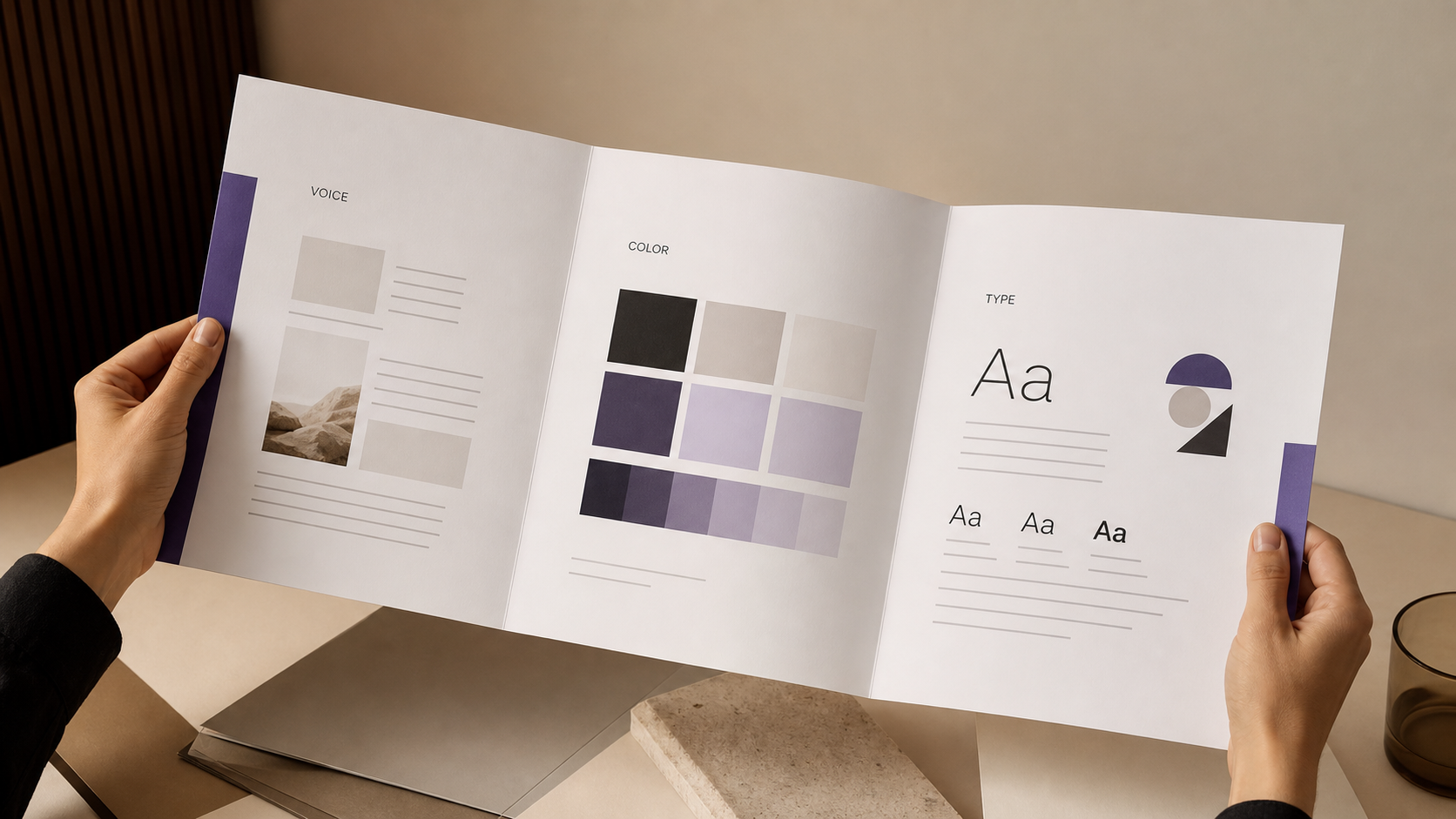
Figma is the stronger choice once changing one decision must update many screens without creating contradictions. A production design system is not a color palette. It is a maintained set of components, variables, modes, rules, states, and guidance that keeps the interface coherent as people and features multiply.

Figma’s design-system tools support shared libraries, reusable components, variables, and modes. Variables are named values such as color, spacing, type, or state that can change by context. A light and dark theme can share the same semantic color names. A compact and comfortable layout can share components while changing spacing values. Component properties can map to React properties, and the Variables REST API can manage design values in bulk.
Return to the approval product. The primary action is not merely a violet button. It needs properties for label, emphasis, loading, disabled, success, and error behavior. The evidence panel needs rules for complete data, partial data, stale data, and permission-restricted data. Figma lets those rules live in components and variants rather than in the memory of whoever drew the latest screen.
Figma also gives engineering a maintained inspection and review surface. Dev Mode exposes component properties, variables, structured layer data, annotations, assets, and change views. Code Connect maps design components to actual production components. Figma’s MCP server can provide structured design context to coding agents, while the design file remains reviewable by people.
That does not make every generated implementation correct. It makes the intended system easier to retrieve, compare, and challenge. For a product lead, the payoff is fewer silent interpretations. For an engineer, it is a clearer path from a named component and state to the corresponding code. For a founder, it is a product asset that can survive a new hire, a new feature, or a change in build partner.
Use a hybrid workflow without importing generated-screen debt
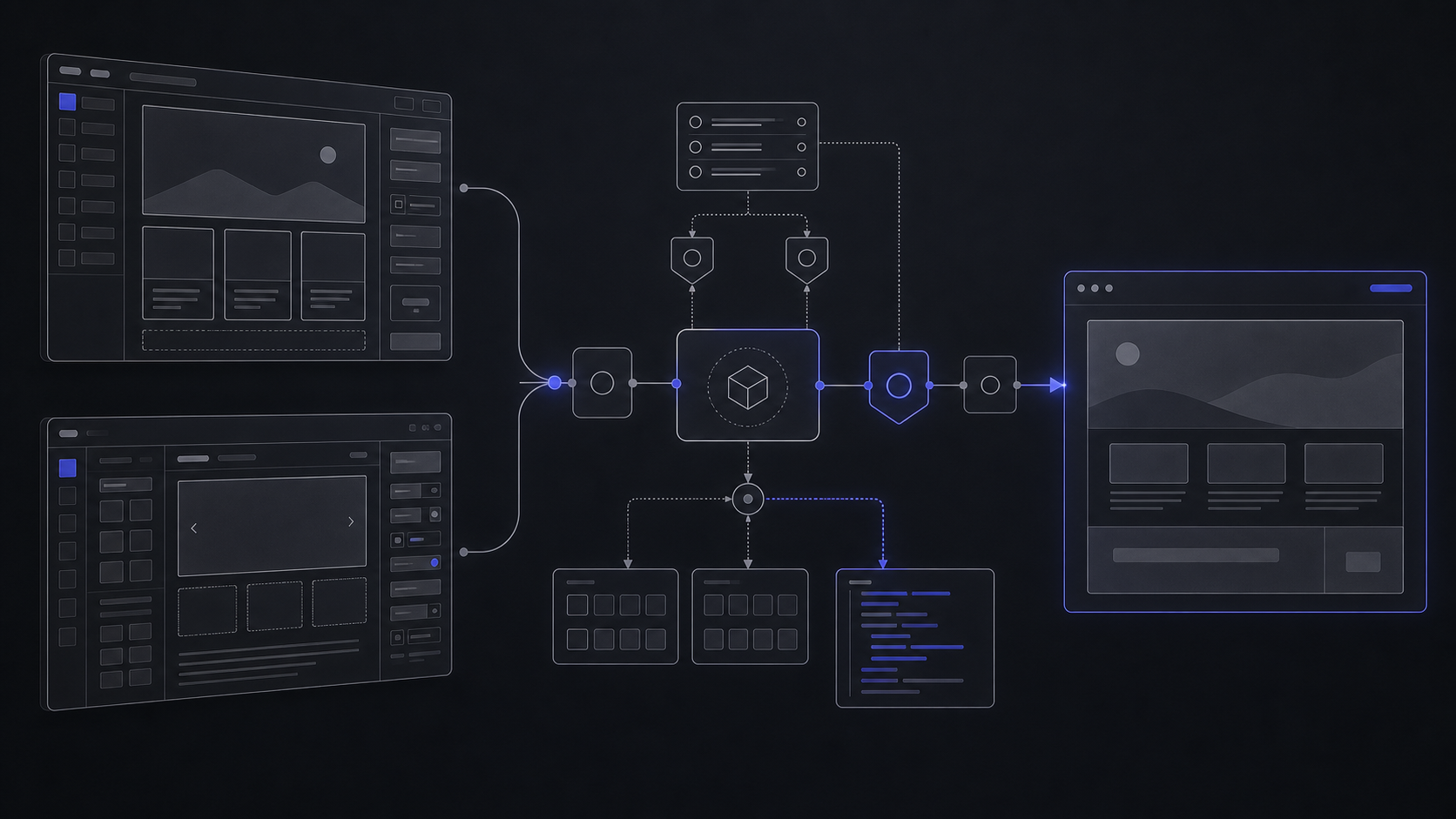
The safest workflow uses Stitch for exploration and Figma for commitment, with an explicit review boundary between them. Generated-screen debt appears when polished output is mistaken for approved behavior and carried directly into a build.
Write the behavior brief
Start with the user, objective, critical journey, required evidence, permissions, failure path, and exclusions. For the approval product, the core journey ends when an authorized reviewer grants or denies time-bound access. Reporting and billing stay outside the design scope.
Explore directions in Stitch
Use the behavior brief, brand references, and any existing wireframes as context. Explore materially different hierarchies and flows. Keep the output disposable: no direction earns authority merely because it looks polished.
Run the decision review
Select the direction that best supports the user decision. Review the information sequence, action clarity, error recovery, permission visibility, and how the journey behaves with realistic content. Record open assumptions instead of styling around them.
Transfer the approved direction
Export to Figma with Auto Layouts, named component layers, and editable text fields. Auto Layout is Figma’s rule-based layout system for spacing and resizing. Preserve DESIGN.md beside the Figma work as agent-readable context, but do not assume the files remain synchronized.
Rebuild the reusable system
Convert repeated patterns into components. Define semantic variables for color, spacing, typography, radius, and state. Add responsive rules and real content ranges. The goal is not to trace every generated layer; it is to create the smallest coherent system the approved journey needs.
Specify behavior and edge cases
Document loading, empty, error, success, disabled, permission-restricted, and destructive-action behavior. Attach annotations to the relevant frames and components. Link production components through Code Connect when the codebase already has a system.
Review the build contract
Product, design, and engineering should agree on the journey, states, responsive behavior, accessibility expectations, data assumptions, and acceptance criteria before implementation. Unresolved items become named decisions, not hidden developer guesses.
Keep the launch site as a separate artifact with its own conversion job. Once the product experience is approved, the Framer versus Webflow decision can be made against the site’s content model and operating needs rather than the application UI.
Code export accelerates translation, not product completion
Generated code shortens the path from a visual direction to a reference front end; it does not complete the product build. The difference is behavior under real users, real data, and real permissions.
Google says Stitch exports static HTML that matches the design and Figma export, plus semantic HTML and CSS with Tailwind support. It can also send screens to Google Antigravity for backend logic or publish to Netlify. That separation is useful and revealing: the exported screen is a front-end starting point, while backend behavior remains a distinct build concern.
Figma takes a different route. Dev Mode can expose measurements, properties, variables, assets, and code context. Code Connect links design components to actual production components. Its MCP server can give an agent structured design context and retrieve Figma Make resources. These surfaces reduce translation loss, but engineering still owns the application architecture and runtime behavior.
Use this handoff gate before generated output enters the production backlog:
If a generated export fails this gate, keep it as a reference. Do not make its accidental structure the architecture.
The subscription price is not the expensive variable
Stitch is cheaper to begin; Figma is inexpensive compared with the rework caused by an ambiguous handoff. Budget for the workflow you need, not only the seat total.

Google currently provides Stitch free of charge. It applies a daily credit limit and resets credits at midnight UTC, but its current public page does not publish a numeric allowance. That makes Stitch easy to adopt for direction work and hard to budget as a guaranteed high-volume production dependency. Keep important outputs exported and keep the design rationale outside the tool as well.

Figma Starter is free and includes 150 AI credits per day, capped at 500 AI credits per month. On Figma’s current annual pricing view, Professional costs $16 per month for a Full seat, $12 per month for a Dev seat, and $3 per month for a Collab seat. A Professional Full seat includes 3,000 AI credits per month; Dev and Collab seats include 500 AI credits per month.
For an illustrative MVP team, one product designer on a Full seat and two engineers on Dev seats cost $40 per month on that annual pricing view. A founder or product manager can view and comment without another paid seat, although that access includes only basic Dev Mode inspection. The paid plan adds unlimited files and projects, team-wide design libraries, and advanced Dev Mode inspection and MCP Server access.
Do not build a long-term budget around today’s beta treatment of agent features. Figma says its MCP server is currently free during beta and will eventually become a usage-based paid feature. The exact future price is not published, so the safe budget is the core design and handoff workflow without assuming unlimited agent calls.
The decision rule for a funded MVP
Use Stitch alone only while the output can be discarded without harming the build. Use Figma when the output becomes a maintained agreement. Use a senior product-design engagement when the team needs someone to resolve the agreement, not merely operate the tools.
Choose Stitch first when:
- The product direction is still open.
- The founder needs credible UI alternatives to discuss.
- A rough wireframe or reference needs to become a testable flow.
- The team can critically review generated hierarchy and behavior.
- The output will remain exploration until a formal design review.
Choose Figma as the source of truth when:
- Repeated components need governed states and variants.
- Product, design, and engineering need to comment on the same maintained artifact.
- Responsive behavior and edge cases must be explicit.
- Developers need variables, annotations, assets, component mappings, and change context.
- The design must remain coherent after the MVP expands.
Bring in product design when the open question is not “which button should we click?” but “what should the product promise, how should the journey work, and what must engineering be able to verify?” The useful deliverable is a scoped journey, high-fidelity UI, a clickable prototype, a fit-for-purpose component system, and a developer handoff that names states and edge cases.
That boundary protects speed. Stitch can shorten exploration. Figma can reduce handoff ambiguity. Product judgment decides what belongs in the MVP and what gets cut before either tool turns optional ideas into polished scope.
Frequently asked questions
Is Google Stitch a threat to Figma?
Google Stitch is a credible alternative for early UI exploration, especially when a founder wants prompt-led directions without first learning a full design tool. Figma remains stronger as the maintained product system for components, collaboration, prototypes, and developer handoff.
Is Figma becoming obsolete?
No. Figma now includes prompt-led Make, an on-canvas agent, MCP, and code-backed prototypes alongside its established canvas, libraries, variables, components, and Dev Mode. Its role is changing from drawing surface to connected product-design system.
Is Google Stitch free?
Yes, Google currently provides Stitch free of charge with a daily credit limit. Credits reset at midnight UTC, and the current public page does not state a numeric daily allowance.
Can Google Stitch export to Figma?
Yes. Google says the export includes Auto Layouts, named component layers, and editable text fields. Review and rebuild the reusable system in Figma rather than treating every generated layer as approved structure.
Does Google Stitch generate working code?
Stitch exports static HTML plus semantic HTML and CSS with Tailwind support. That can provide a useful front-end reference, but a production MVP still needs application logic, data, permissions, accessibility, QA, deployment, and operational controls.
Scope the Product Design
Turn the core journey into user flows, high-fidelity Figma UI, a clickable prototype, a fit-for-purpose design system, and a developer handoff with states and edge cases documented.
Jul 11, 2026