10 Best AI Website Builders in 2026 (Priced, Compared, and the Ones to Avoid)
A priced, buyer-focused comparison of Wix, Squarespace, Hostinger, Framer, Webflow, 10Web, Durable, GoDaddy, Dorik, and B12.

Wix AI is the safest default AI website builder in 2026, but it is not the best answer for every business site. Pick the builder by operating model first: low-cost hosted site, design-led product site, WordPress stack, service-business bundle, or code-export app builder.
The Short Answer
The best AI website builder for a general business site is Wix AI, because it combines prompt-to-site creation, manual editing, business tools, ecommerce, scheduling, marketing, and hosted infrastructure in one mature system. An AI website builder is a tool that generates a site draft from your prompts, then lets you edit, publish, and maintain it without starting from a blank canvas.
Use Hostinger AI Website Builder when price is the main constraint. Use Squarespace Blueprint AI when the site needs to feel designed but the structure is simple. Use Framer when a founder or product marketer needs a sharp landing page. Use Webflow AI when a product-site team needs CMS, governance, search visibility, and a more controlled visual system. Use 10Web when WordPress is the right operating base. Use Durable, GoDaddy, Dorik, or B12 only when their narrower bundles match the business.
The ones to avoid are not automatically bad tools. Avoid the free branded plan for a serious business site, avoid a one-click builder when the site needs product positioning and conversion architecture, and avoid app builders like Lovable, Bolt, or v0 as a managed website builder unless a developer owns the code, hosting, security, and maintenance after launch.
Price And Fit Comparison
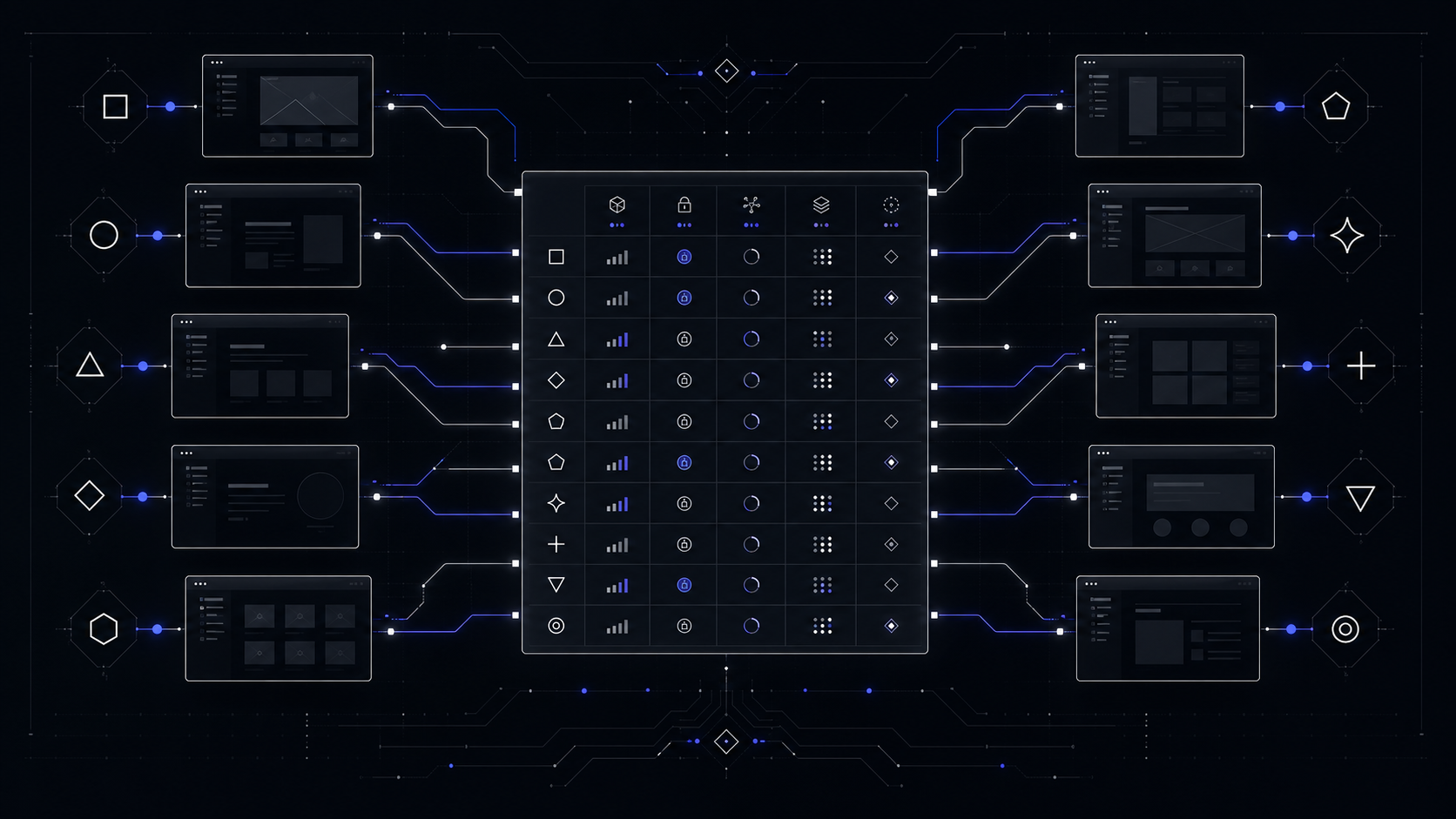
Prices below are the published prices seen on vendor pages during this run on June 2, 2026. Treat them as a decision floor, not a final invoice: vendors change promotions, billing cycles, regional taxes, renewals, AI credits, and add-ons.
The Best AI Website Builders In 2026
Wix AI
Wix AI is the best default because it does the boring business work around the AI draft. The AI builder can create a site from a prompt, then Aria, Wix's built-in AI agent, helps with editing, sections, product updates, domain setup, marketing, and daily site operations. The important part is not that Wix can generate a pretty first page. It is that Wix can keep adding store, scheduling, blog, SEO, paid ads, email, contacts, automations, analytics, and other business tooling without forcing a rebuild.

The current pricing floor is Light at $17.77/mo, Core at $29.77/mo, Business at $39.77/mo, and Business Elite at $159.77/mo, with GST included on the displayed page. Core is the better comparison point for many companies because it includes 50 GB storage, basic ecommerce, scheduling, and 5 site collaborators. Business moves to 100 GB storage and 10 collaborators. Business Elite adds unlimited storage and 100 collaborators.
Choose Wix when the buyer needs a credible site, standard business features, ecommerce, bookings, and marketing in one place. Avoid Wix when the main asset is a highly custom product story, a strict design system, portable code, or conversion flows that should be owned outside a proprietary builder.
Squarespace Blueprint AI
Squarespace Blueprint AI is the better pick when the site needs taste more than operational complexity. Blueprint AI asks guided brand and design questions, then generates a site draft with pages, copy, images, design suggestions, and mobile-responsive structure. It is free to use, but a paid Squarespace account is required to publish the site.

The paid floor is $19/mo for Basic, $29/mo for Core, $49/mo for Plus, and $99/mo for Advanced. Basic includes Squarespace AI and up to 2 contributors, but it carries a 2% online store transaction fee and a 7% digital content and memberships transaction fee. Core removes the online store transaction fee, supports unlimited contributors, adds advanced analytics, and allows CSS and JavaScript customization.
Choose Squarespace for portfolios, service firms, consultants, restaurants, local brands, creators, and simple commerce where visual polish matters. Avoid it when the business needs custom product education, complex CMS relationships, app-like flows, or a tight experimentation system.
Hostinger AI Website Builder
Hostinger AI is the best budget choice because the AI builder, hosting, domain offer, email, and business tools are bundled at a low promotional price. Its AI flow asks 2 quick questions, creates a custom site, then lets the owner edit with drag-and-drop controls, AI text, AI images, logo generation, AI SEO Assistant, AI blog posts, and product description generation.

Premium Website Builder is $2.99/mo on promotional pricing, with 3 websites, 20 GB SSD storage, and renewal at $10.99/mo. Business Website Builder is $3.99/mo on promotional pricing, with 50 websites, 50 GB storage, ecommerce features, AI product generator, AI image generator, AI logo maker, AI blog post generator, and renewal at $16.99/mo.
Choose Hostinger when price and speed matter more than bespoke design. It is a good fit for a simple service site, a starter store, or a validation page. Avoid it when the site is the main product-marketing asset and will need richer narrative structure, stronger brand design, deep CMS, or careful handoff.
Framer
Framer is the strongest AI website builder for teams that care about a sharp landing page and interaction quality. Its AI Wireframer can create a page from a prompt, propose content edits, add sections, and work inside a design-forward canvas. The outcome still needs judgment, but the canvas is fast for founders, designers, and product marketers who already think in pages and breakpoints.

Framer Basic is $10 per month on annual billing and includes custom domain support, AI-powered design tools, hosting, and built-in SEO. Pro is $30 per month and adds staging, instant rollback, roles and permissions, relational CMS, redirects, and add-ons for A/B testing and locales. Scale is $100 per month plus usage. Additional editors are $20/month, while viewers are free.
Choose Framer for product launch pages, founder-led SaaS pages, investor-facing microsites, design portfolios, and campaigns where the first impression matters. Avoid it as the default for service businesses that need bookings, payments, broad operations tooling, or a non-designer owner editing content every week.
Webflow AI
Webflow AI is the best fit for a company that treats the website as a managed product surface. It can help build a site, modify page designs, generate copy, generate code, improve SEO and AEO, answer engine optimization for AI answer surfaces, create code components, generate CMS collection items, and connect through an MCP server, a managed connection point for external tools. The AI is useful, but the real value is the governed Webflow environment around it.

Webflow Starter is free and includes a webflow.io domain, limited CMS, 2 static pages, 1 GB bandwidth, 50 form submissions, Webflow AI, MCP server, and Webflow Cloud app hosting. Basic is $15/mo billed yearly and includes a custom domain, 300 static pages, 10 GB bandwidth, unlimited form submissions, password protection, Webflow AI, MCP server, and Webflow Cloud app hosting. Premium is $25/mo billed yearly and adds Webflow CMS, bandwidth options, code components, site search, form file upload, and well-known files. Team is a different category at $2,500/mo with annual contract required.
Choose Webflow when marketing owns a serious site, content operations matter, and the company has someone who can maintain Webflow cleanly. Avoid it when the buyer wants a casual do-it-yourself site and nobody will own CMS structure, classes, components, redirects, SEO, and publishing QA.
10Web
10Web is the best AI website builder when WordPress is already the right decision. It is not just prompt-to-site. The pricing page lists an AI website builder, redesign, clone, Figma agent, ecommerce dashboard, mobile optimization, 90+ PageSpeed score, 10Web Premium Hosting, Full WordPress CMS, and 24/7 chat support.

AI Starter is $20/mo and $20 per website. It includes 1 website, 50 AI credits per month, 10 GB SSD storage, 10K monthly visitors, and a first custom domain free up to $30 for 1 year. AI Premium is $30/mo and $15 per website with 2 websites, 100 AI credits per month, 15 GB storage, and 20K monthly visitors. The $45/mo tier is $12 per website.
Choose 10Web for agencies, WordPress operators, businesses with WordPress content workflows, or teams that want AI-assisted cloning, redesign, and Figma-to-page work on a WordPress base. Avoid it if the buyer is trying to escape WordPress maintenance, plugin risk, editorial clutter, or hosting decisions.
Durable
Durable is best for fast service-business presence, not complex product storytelling. The AI website builder asks 3 questions, creates an AI-built site, then lets the owner control layout, images, headings, and fonts in a drag-and-drop editor. It also bundles CRM, invoices, bookings, payments, SEO, GEO, generative engine optimization for AI search visibility, and AI visibility checks into higher plans.

The free plan is $0 and includes a Durable subdomain, 5 images per month, 10 AI chat messages per month, CRM for up to 10 customers, and basic help center support. Launch is $25/m monthly or $22/m annual, and Grow is $99/m monthly or $85/m annual. Launch removes Durable branding, includes a free custom domain up to $20 value, integrated bookings, payments, unlimited invoices, 50 images per month, 1,000 AI chat messages per month, weekly AI visibility ranking, and unlimited CRM customers. Grow adds 500 images per month, unlimited AI chat messages, daily visibility ranking, and personalized expert onboarding.
Choose Durable for a coach, contractor, consultant, home service business, or local operator who needs to get found, booked, and paid quickly. Avoid it for serious ecommerce or custom front-end work: Durable says it is not designed specifically for ecommerce businesses and does not offer extensive HTML customization.
GoDaddy Airo
GoDaddy Airo is strongest when the buyer already thinks in domains, hosting, small-business setup, and a single vendor. GoDaddy Website Builder is the simpler site-builder path. Airo AI Builder is broader: it creates sites, web apps, online stores, dashboards, portfolios, and custom tools from a conversation, then supports one-click deploy on GoDaddy hosting with SSL, forms, analytics, code export, database, backend, and prompt-based integrations.

GoDaddy Website Builder starts free with no credit card. Paid annual plans are Basic at $9.99/mo, Premium at $14.99/mo, and Commerce at $20.99/mo. Basic includes free custom domain, free professional email, GoDaddy Airo AI, advanced website analytics, 100 email marketing sends monthly, and payments by link or QR code in the US and Canada. Airo Builder also has a free plan with 50 AI credits per month, unlimited apps or sites, 1 published site or app, connected domain, code download, and access sharing. Airo Starter is $9.99/mo billed annually with 150 AI credits and 1 published site or app. Professional is $24.99/mo billed annually with 300 AI credits and 10 published sites or apps. The top Airo tier is $99.99/mo billed annually with 750 AI credits and 50 published apps or sites.
Choose GoDaddy when speed, domain setup, small-business tooling, and support convenience are more important than a distinctive brand system. Avoid it when the site is a strategic product surface. A competent GoDaddy site can publish quickly, but product positioning usually needs sharper structure than a generic prompt can provide.
Dorik AI
Dorik AI is the value outlier. Its AI page says you can describe a business in one sentence and Dorik builds the full website, pages, copy, and images, in under 60 seconds. It also says users can publish with a custom domain for free, with no credit card, unlimited sites, and custom domains.

Dorik pricing lists Free at $0/month, Pro at $39/month billed $468 annually, and Agency at $79/month billed $948 annually. Dorik lists unlimited custom domains, pages, pageviews, blog posts, storage, and bandwidth across Free, Pro, and Agency. Pro adds 10 collaborators and 60 code exports per month. Agency adds unlimited collaborators and unlimited code export.
Choose Dorik for affordable experiments, simple business sites, light CMS needs, and agency-style site production where the export and unlimited-site claims matter. Avoid it when the business needs heavy ecommerce, complex app logic, enterprise approvals, or the confidence that comes from a larger website ecosystem.
B12
B12 is best for service businesses that want the website plus client engagement tooling. Its AI builder creates a complete website from a description, then supports chat-based editing, screenshot-guided edits, image generation, scheduling, payments, forms, expert marketplace support, and ongoing content suggestions.

B12 Free is $0/month and includes a b12sites.com subdomain, mobile responsive site, 5 daily AI credits with a max of 30/month, editor, and team invites. Website is $1/month for the first 3 months, then $49/month, with a custom domain, 100 AI credits per month, team management, ad removal, analytics, integrations, and email/chat support. Website + Client Engagement is $1/month for the first 3 months, then $78/month, with 300 AI credits per month, custom email address, online payments and invoicing, client intake, email marketing, contact manager, contracts, eSignature, and file uploads.
Choose B12 for consultants, professional services, appointment-based businesses, and teams that value client intake and payments as much as the site. Avoid it for a simple brand page where the engagement bundle will sit unused.
The Ones To Avoid Unless The Constraint Fits
Avoid free branded plans for serious business use. Free plans are useful for testing the editor and seeing the first AI draft. They are poor defaults for a company site if they leave you on a platform subdomain, keep builder branding visible, cap AI usage, or limit collaborators. B12 Free uses a b12sites.com subdomain and caps AI credits. Durable Free publishes to a Durable subdomain and caps images and AI chat. Webflow Starter uses a webflow.io domain and limits pages, bandwidth, and form submissions. Those are trials, not brand infrastructure.
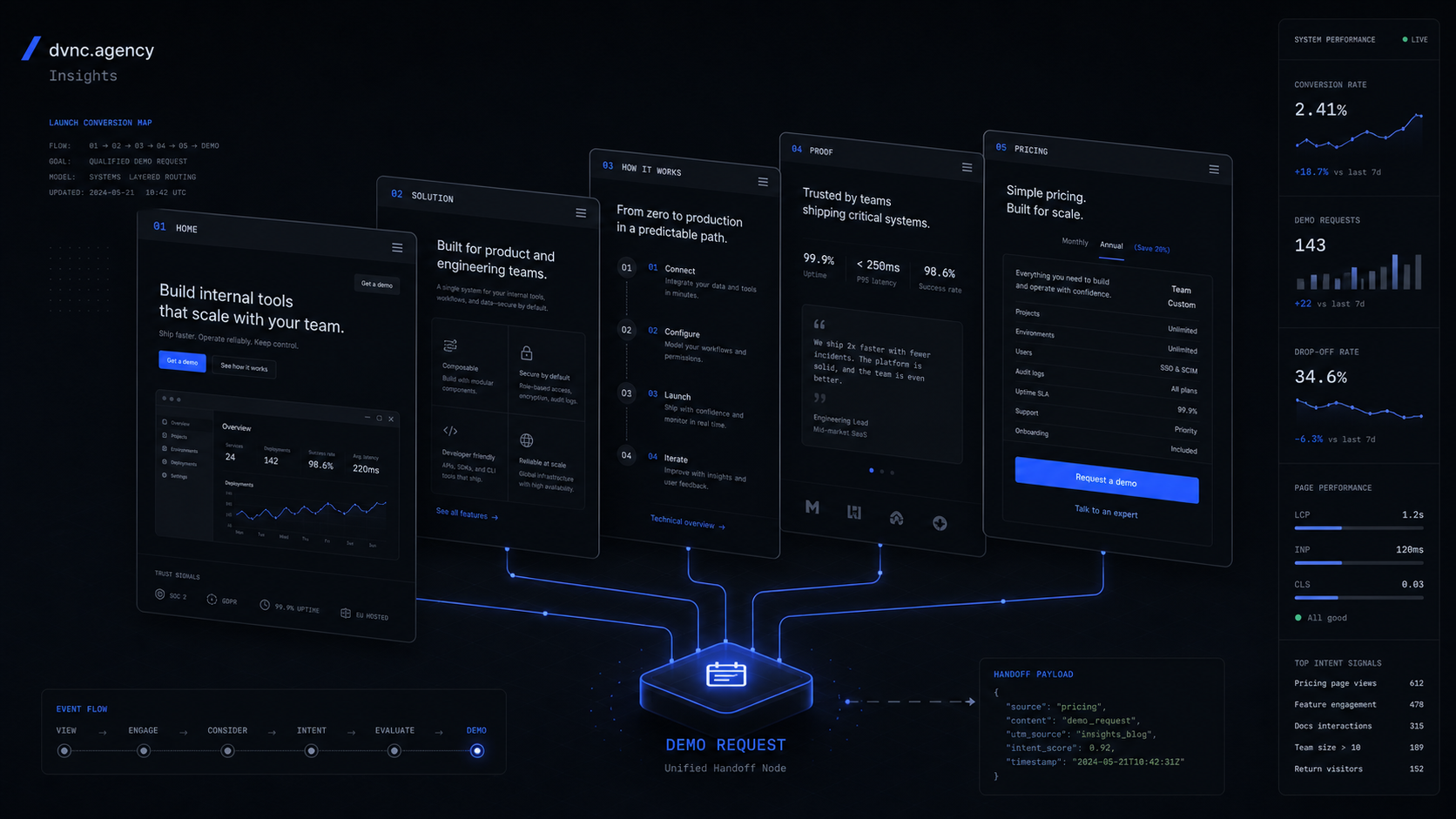
Avoid one-click AI builders for product positioning. The first draft is not the hard part of a product site. The hard parts are knowing what the buyer must believe, which objection appears above the fold, what proof belongs before pricing, what demo path matters, how the CTA routes by intent, and how the page changes when the product learns. Prompted layouts rarely solve that on their own.
Avoid app builders as website builders unless a developer owns the system. Lovable, Bolt, v0, Replit Agent, and similar tools can be useful for prototypes and app front ends. They are not the default answer for a business website that needs managed hosting, SEO controls, analytics, editorial workflow, accessibility QA, redirects, uptime checks, and nontechnical content edits.
Avoid any builder that hides the second-month job. A business site needs updates, content changes, SEO work, lead routing, analytics review, performance checks, broken-form checks, and offer changes. If nobody owns those jobs, the cheapest builder becomes expensive through neglect.
When A Custom Product Site Beats An AI Builder
A custom product site wins when the site is part of the product system, not just a wrapper around it. That usually means the business needs a controlled information architecture, proof hierarchy, conversion paths, analytics events, integrations, performance targets, custom components, and a handoff plan the team can actually run.
For a funded SaaS team, an AI builder can produce a decent page quickly. It will not decide the core narrative, design a pricing path, build a demo flow, connect qualification logic, create a changelog-to-site publishing workflow, or set up the QA checklist for each launch. Those are build decisions, not template decisions.
The right split is simple: use an AI builder to test a small site fast. Scope a product site when the site has to sell a product, explain a new category, support launches, route buyers, and keep improving without turning into a pile of ad hoc pages.
What is the best AI website builder in 2026?
Wix AI is the safest default for a general business site because it combines AI site creation with ecommerce, scheduling, marketing, analytics, and hosted infrastructure. Hostinger, Squarespace, Framer, Webflow, and 10Web beat it in narrower cases.
What is the best free AI website builder?
Dorik is the most generous free option in this comparison, because its AI page claims free publishing with custom domains, unlimited sites, and no credit card. For serious business use, still verify limits at signup and avoid free plans that force visible branding or a platform subdomain.
Is Wix AI better than Hostinger AI?
Wix AI is better for a broader business site with ecommerce, scheduling, marketing, and more room to grow. Hostinger AI is better when the main goal is a low-cost hosted launch and the buyer accepts promotional pricing and renewal-price checks.
Is Webflow AI better than Framer AI?
Webflow AI is better for governed product marketing sites with CMS, SEO/AEO, components, and operations discipline. Framer AI is better for fast, design-led landing pages where the site owner values interaction quality and speed.
Should a business use Lovable, Bolt, or v0 to build a website?
Use those tools when you are prototyping app interfaces or developer-owned front ends. For a normal business website, a managed builder is usually safer unless someone owns hosting, security, analytics, SEO, accessibility, and maintenance.
Scope Your Product Site
Turn your AI product, SaaS, or service offer into a controlled product site with clear positioning, conversion paths, analytics, and handoff.
Jun 2, 2026