AI Coding Assistant Pricing: What Product Teams Should Budget Before They Scale
Compare Cursor, Claude Code, Codex, and GitHub Copilot pricing so your team can set usage limits, pick tiers, and avoid runaway AI coding spend.

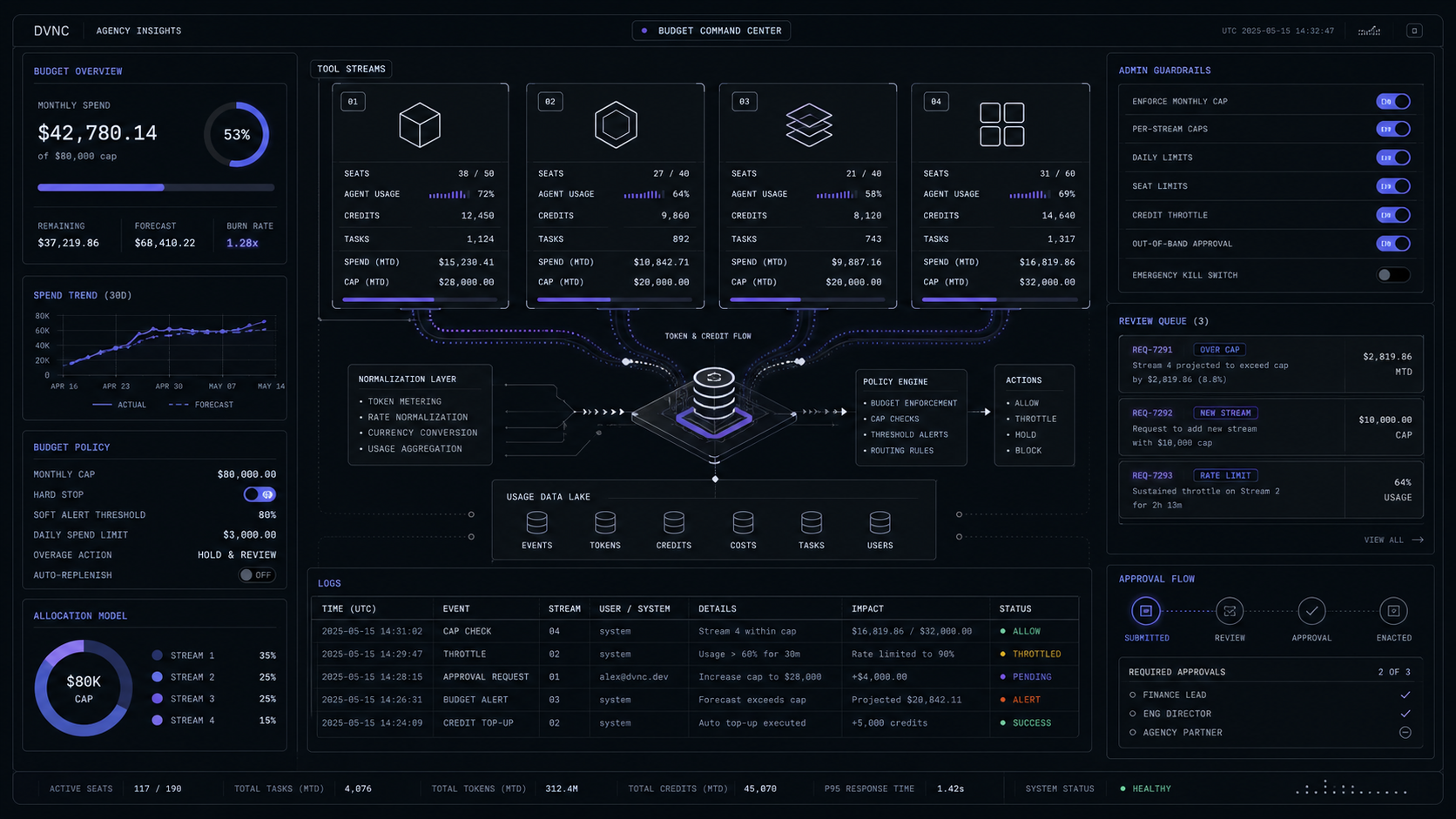
The cheap AI coding assistant bill is usually the wrong bill to inspect. Cursor, Claude Code, Codex, and GitHub Copilot can all start near ordinary subscription prices, but the real budget risk is uncapped agent usage, premium model routing, cloud tasks, and team-wide rollout without controls.
The Short Verdict
Buy one primary coding assistant per builder, then cap the variable usage before the team scales it. Cursor is the clean default when developers live in an AI-first editor. Claude Code is the strongest fit when senior engineers want terminal-first repo work and can manage token usage. Codex fits teams already using ChatGPT for engineering work, code review, cloud tasks, Skills, and Automations. GitHub Copilot fits organizations that want AI coding governed inside GitHub, with policies, credits, admin controls, and existing IDE coverage.
The wrong move is giving every builder every tool because each one starts at a reasonable number. Cursor Pro is $20/month, ChatGPT Plus is $20/month, Claude Pro is $20/month when billed monthly, and GitHub Copilot Pro is listed at $10/user/month. Those are entry prices, not rollout budgets. Heavy usage moves quickly into Cursor Pro Plus at $60/month, Cursor Ultra at $200/month, Claude Max from $100/month, ChatGPT Pro at $100 or $200, GitHub Copilot Max at $100/user/month, or team tiers before additional usage.
The budget decision is not "Which tool is best?" It is "Which tool should own which coding workflow, and where do we stop it from spending?" A product team can run a controlled stack with one editor assistant, one deep-repo agent for senior builders, and one governed review path. A product team that buys four overlapping agents without caps pays for duplicate context, duplicate review, duplicate task queues, and unclear accountability.
For the broader pricing logic behind this, the same rule applies to other AI software spend: the meter matters more than the logo. The detailed breakdown in AI Agent Pricing: Seats vs Credits vs Resolutions is still the right mental model.
The Real Meter Is Agent Usage, Not Seats
Seat price is the floor; agent usage is the variable line that decides whether the tool stays cheap. Coding assistants now perform longer work than autocomplete: they inspect repositories, plan changes, run tests, review pull requests, open cloud tasks, call tools, and use more expensive frontier models. That means the real bill depends on how many people use agents, how broad their prompts are, which model routes the work, and whether admins allow paid usage after included limits.
The clean budget model is to split work into three classes.
Class 1: Inline help
Autocomplete, small edits, and quick code explanations should stay on the cheapest predictable plan that covers the team's daily editor workflow. Do not pay for high-agent tiers because a developer occasionally wants a better tab completion.
Class 2: Repo tasks
Multi-file changes, migrations, test repair, and refactors need a stronger agent and a usage cap. Put these behind named owners, weekly spend review, and a rule that tasks must include the target files, acceptance criteria, and verification command.
Class 3: Review and handoff
Pull request review, security review, generated test review, and release notes need a governed surface. If GitHub is already the system of record, Copilot may be easier to control than another standalone coding agent.
For an eight-person product team, the difference is immediate. Eight Cursor Teams Standard seats at $40/user/month is $320/month before on-demand usage. Eight Cursor Teams Premium seats at $120/user/month is $960/month before on-demand usage. That is not automatically too high, but it needs a reason: daily agent work, shared team context, stronger limits, or governance that the team will actually use.
Cursor Pricing: Predictable Seat, Variable Model Burn
Cursor is easiest to justify when the editor itself is the workflow. The value is not only "AI chat in VS Code." Cursor gives the team an AI-first coding surface with Agent, Tab, model routing, Cloud Agents, Bugbot, rules, skills, hooks, and MCP support. The pricing risk is that a simple seat can become a model-usage budget once developers select specific frontier models or run heavier agents.

Cursor's current individual plan ladder is Pro at $20/month, Pro Plus at $60/month, and Ultra at $200/month. The docs list API usage included at $20 for Pro, $70 for Pro Plus, and $400 for Ultra. Individual plans use two usage pools: Auto + Composer for everyday agentic coding, and API for selected models or Premium routing. When included usage is exhausted, the team can add on-demand usage at the same API rates or upgrade the plan.
The model choice matters. Cursor lists GPT-5.3 Codex at $1.75 input, $0.175 cache read, and $14 output per million tokens. Claude 4.6 Sonnet is listed at $3 input, $3.75 cache write, $0.30 cache read, and $15 output per million tokens. Composer 2.5, Cursor's own model, is listed at $0.5 input, $0.2 cache read, and $2.5 output per million tokens. A developer who leaves routing on Auto or Composer may burn through usage differently from a developer who manually chooses a specific frontier model for every task.
For teams, Cursor Standard is $40/user/month and Teams Premium is $120/user/month. The Teams plan adds centralized billing, administration, a team marketplace for rules and skills, Bugbot code reviews, cloud agents and automations with shared context, usage analytics, team-wide privacy mode, and SAML/OIDC SSO. Enterprise adds pooled usage, invoice/PO billing, SCIM, repository/model/MCP access controls, browser and network controls, audit logs, and service accounts.
Use Cursor as the primary seat when the product team's work happens inside the editor and the team wants one shared way to ask, edit, review, and run code. Do not use it as the only cost-control layer for long-running background work. The usage dashboard and team analytics need to be part of the rollout from week one.
Example rollout:
Start with Pro or Teams Standard
Give daily builders the normal editor workflow first. For a five-person team on Teams Standard, the known seat baseline is $200/month before on-demand model usage.
Tag heavy agent tasks
Create a simple label for migrations, multi-file refactors, test repair, and PR review. Review those tasks separately from autocomplete and normal chat usage.
Upgrade only the constrained users
If two senior engineers are doing daily agent work and three builders mostly need editor help, upgrade those two seats before moving the entire team to higher tiers.
Claude Code Pricing: Powerful When Usage Is Measured
Claude Code is best when a senior builder wants a terminal-first agent that can reason through a repository, run tools, and work in a controlled command-line loop. It is also the tool in this set with the most explicit cost telemetry: Anthropic documents token usage, plan usage bars, workspace spend limits, monthly usage-credit limits, rate-limit planning, and per-developer cost ranges.

Claude Pro is $17/month with annual billing or $20/month billed monthly, and includes Claude Code. Claude Max starts from $100/month and provides 5x or 20x more usage than Pro. Claude Team Standard is $20/seat/month annually or $25/seat/month monthly. Claude Team Premium is $100/seat/month annually or $125/seat/month monthly, with 5x more usage than Standard seats. Enterprise self-serve is $20/seat plus usage at API rates.
The spending behavior is different from a fixed editor subscription. Claude Code charges by API token consumption for API usage, while Pro, Max, Team, and Enterprise subscribers have plan usage included. Anthropic says enterprise deployments average around $13 per developer per active day and $150-250 per developer per month, with costs below $30 per active day for 90% of users. Treat those as pilot benchmarks, not guarantees for your codebase.
The main cost driver is context. Long prompts, large file reads, broad repository scans, repeated test output, and multi-agent sessions all add tokens. Anthropic says agent teams use approximately 7x more tokens than standard sessions when teammates run in plan mode because each teammate has its own context window. It also recommends Sonnet for most coding tasks and reserving Opus for complex architecture or multi-step reasoning.
A controlled Claude Code pilot looks like this:
Pick five real tasks
Choose one bug fix, one refactor, one test-repair task, one documentation task, and one migration or integration task. Each task needs target files, an expected output, and a verification command.
Track active-day cost
Use
/usageto record plan usage and token patterns. If using API workspaces, set workspace spend limits before the pilot starts.Set prompt hygiene rules
Require focused prompts,
/clearbetween unrelated tasks, model selection rules, and short test output. A vague "improve this codebase" prompt is not a budget strategy.
Claude Code often wins when the team has senior engineers who can aim the tool precisely. It loses when buyers expect the tool to absorb unclear product decisions, messy acceptance criteria, or unlimited exploration. The more the prompt asks the agent to discover the job, the more the budget pays for discovery instead of implementation.
Codex Pricing: Budget It As ChatGPT Capacity
Codex should be budgeted as ChatGPT-connected engineering capacity, not as a clone of Cursor or Claude Code. OpenAI describes Codex as a coding agent powered by ChatGPT that can help with routine pull requests, features, complex refactors, migrations, code review, CLI work, desktop app flows, Skills, and Automations. The product surface is broad, so the budget question is where Codex sits in the team's operating system.

OpenAI's ChatGPT pricing lists limited Codex access on Free, expanded Codex usage on Plus, and maximum Codex tasks on Pro. ChatGPT Plus is $20/month billed monthly, and OpenAI states that API usage is separate and billed independently. ChatGPT Pro tiers include Codex: the $100 Pro tier gives 5x higher usage than Plus, while the $200 Pro tier gives 20x usage than Plus. OpenAI also notes that Pro usage allowances can differ by tier, and that reaching a model allowance can temporarily make a model unavailable until reset.
Codex is strongest when the buyer wants a coding agent connected to a broader ChatGPT workflow: planning in a conversation, turning product notes into tasks, asking for code review, creating Skills, running Automations, or using the CLI with npm i -g @openai/codex. It is weaker as a pure IDE replacement if the team expects the assistant to live inside every keystroke.
For a product team, the clean split is:
The practical budget move is to start Codex with named workflows rather than giving every developer a high-tier ChatGPT plan "just in case." If two people own code review and automation setup, fund those seats first. If product managers need ChatGPT for specs but not coding tasks, do not count them in the coding-agent budget.
GitHub Copilot Pricing: Use It When Governance Lives In GitHub
GitHub Copilot is the cleanest choice when the team wants AI coding inside the existing GitHub control plane. It covers the familiar inline and chat workflows, but the important pricing shift is GitHub AI Credits. Chat, agent mode, code review, Copilot cloud agent, Copilot CLI, and Copilot Apps consume AI Credits. Code completions and next edit suggestions do not consume credits and remain unlimited with every paid plan.

The scraped individual plan page lists Copilot Free at $0, Copilot Pro at $10/user/month with $15 monthly total AI Credits, Copilot Pro+ at $39/user/month with $70 monthly total AI Credits, and Copilot Max at $100/user/month with $200 monthly total AI Credits. The page also notes that new individual Pro, Pro+, and Max sign-ups were temporarily paused at the time of scrape, so organizations should confirm purchase availability before planning a rollout around those tiers.
GitHub AI Credits convert at 1 credit = $0.01 USD. GitHub says a $10 additional budget covers 1,000 AI Credits. The same page says Business and Enterprise admins can set usage limits and decide whether additional paid usage is allowed. If paid usage is not allowed, Copilot pauses until the next cycle. Usage settings show reset date and alerts at 75%, 90%, and 100% of a configured budget.
Copilot is also useful for policy reasons. GitHub says it does not use Copilot Business or Enterprise data to train its models. Business and Enterprise customers can control access to preview features, models, and Copilot policies. The plan page also shows third-party coding agents like Claude by Anthropic and OpenAI Codex in preview on Pro+ and Max individual tables, which matters if GitHub becomes the orchestration surface for multiple agents.
Use Copilot when:
- Your code review, pull requests, issues, and security workflows already run through GitHub.
- Admins need policy control more than developers need a standalone editor.
- The team wants unlimited paid-plan completions but capped credit usage for agentic work.
- You want usage alerts and budget controls tied to GitHub billing.
Do not buy Copilot only because it is the cheapest visible seat. If the product team's actual work is deep multi-file repo editing, terminal operation, or AI-first editor loops, Copilot may become the governed review layer rather than the main build layer.
A Budget Model Product Teams Can Copy
The safest rollout is a three-line budget: primary builder seat, deep-agent pool, and governed review pool. Anything else is a duplicate until proven otherwise.
Start with the primary builder seat. For a team that wants an AI-first editor, that is usually Cursor. For a GitHub-standardized enterprise, that may be Copilot. For a small senior team that prefers terminal workflows, that may be Claude Code. For a ChatGPT-heavy organization, that may be Codex. The primary seat should cover the workflow people use every day, not the tool with the loudest launch week.
Add a deep-agent pool only for people doing high-leverage implementation work. This is where Claude Code Max, Cursor Ultra, ChatGPT Pro, or Copilot Max may make sense. The pool needs named users and task criteria. "Senior engineer working through a payment migration with test verification" is a valid use. "Everyone gets the top tier because AI coding is important" is not.
Add governed review only where the team has merge risk, compliance needs, or enough PR volume to justify it. GitHub Copilot code review, Codex review, Cursor Bugbot, and Claude Code review prompts can all help, but they should feed the existing review process. They should not become four separate opinions that nobody owns.
Here is a simple monthly model:
That example is not a recommendation to buy all three. It shows how fast a "cheap" AI coding stack becomes a four-figure monthly system once the team buys overlapping surfaces. A better first month may be eight Cursor Teams Standard seats plus two named high-usage agents, with Copilot review deferred until PR volume proves the need.
The team should review five numbers every week:
- Seats assigned but inactive.
- Variable usage by user.
- Variable usage by workflow.
- Accepted agent output by workflow.
- Rework caused by generated code.
The fifth number matters most. If a tool creates more review load than shipping leverage, its apparent productivity gain is just deferred cost. If a tool helps a senior engineer finish migration work faster with clear tests and logs, a $100 or $200 tier can be rational. The same tier used for vague exploration across a large codebase is waste.
The existing SaaS MVP comparison, Claude Code vs Cursor vs Codex for SaaS MVPs, covers tool fit for building a product. This pricing model answers the next buying question: how to fund those tools without turning the stack into unmanaged AI spend.
What To Skip
Skip the all-tools rollout. A product team does not need Cursor, Claude Code, Codex, and Copilot at full strength for every builder. It needs clear ownership: who edits, who runs deep repo tasks, who reviews, who approves spend, and where generated code is verified.
Skip shared personal accounts. They blur cost, ownership, data boundaries, and audit trails. If the tool matters to production work, buy the right team or business plan and enforce account-level controls.
Skip uncapped model routing. Cursor selected-model usage, Claude Code token consumption, Codex task limits, and Copilot AI Credits all need visible caps or weekly review. "The seat was only $20" is not a budget control.
Skip agent work without acceptance criteria. A coding agent should receive a task with target behavior, relevant files or boundaries, and verification. Otherwise the team pays the tool to search for a product decision.
Skip seat-only ROI. A $10 seat can be expensive if it creates review debt. A $200 tier can be cheap if it reliably clears high-value work with tests, logs, and reviewable diffs.
How much does AI coding cost?
Entry-level AI coding seats can start at $10-$20/month, but high-usage plans and team tiers quickly move to $60, $100, $120, or $200 before on-demand usage. Budget by workflow and usage cap, not by the cheapest plan card.
What is the cheapest AI subscription for coding?
GitHub Copilot Pro is listed at $10/user/month, Cursor Pro and ChatGPT Plus are $20/month, and Claude Pro is $20/month or $17/month with annual billing. The cheapest subscription is not always the cheapest rollout if agent usage, review time, or missing admin controls become the real cost.
Is it cheaper to use Cursor or Claude Code?
Cursor is simpler to budget by seat, while Claude Code can be cheaper or more expensive depending on token use, context size, model choice, and whether the team uses included plan usage or API billing. Test both on the same five tasks before scaling either one.
Does a Cursor subscription include Claude Code?
No. Cursor can route work to Anthropic models inside Cursor, but Claude Code is Anthropic's separate coding tool and account path. Treat them as separate budget lines unless GitHub, Cursor, or another platform is explicitly orchestrating them inside one governed plan.
Why is Claude Code so expensive?
Claude Code becomes expensive when long-context repo scans, broad prompts, high-end models, repeated test output, or multi-agent sessions consume large token volumes. It is much easier to control when tasks are specific, context is trimmed, and /usage is reviewed during the pilot.
Audit Your AI Stack
Find the coding tools, AI seats, usage meters, and custom build paths worth keeping before your stack spend hardens.
Jun 16, 2026