n8n Pricing in 2026: Cloud vs Self-Hosted Costs
n8n is cheap only when ownership is clear. Compare Cloud, self-hosted Community, Business, Enterprise, execution limits, license rules, and real cost.

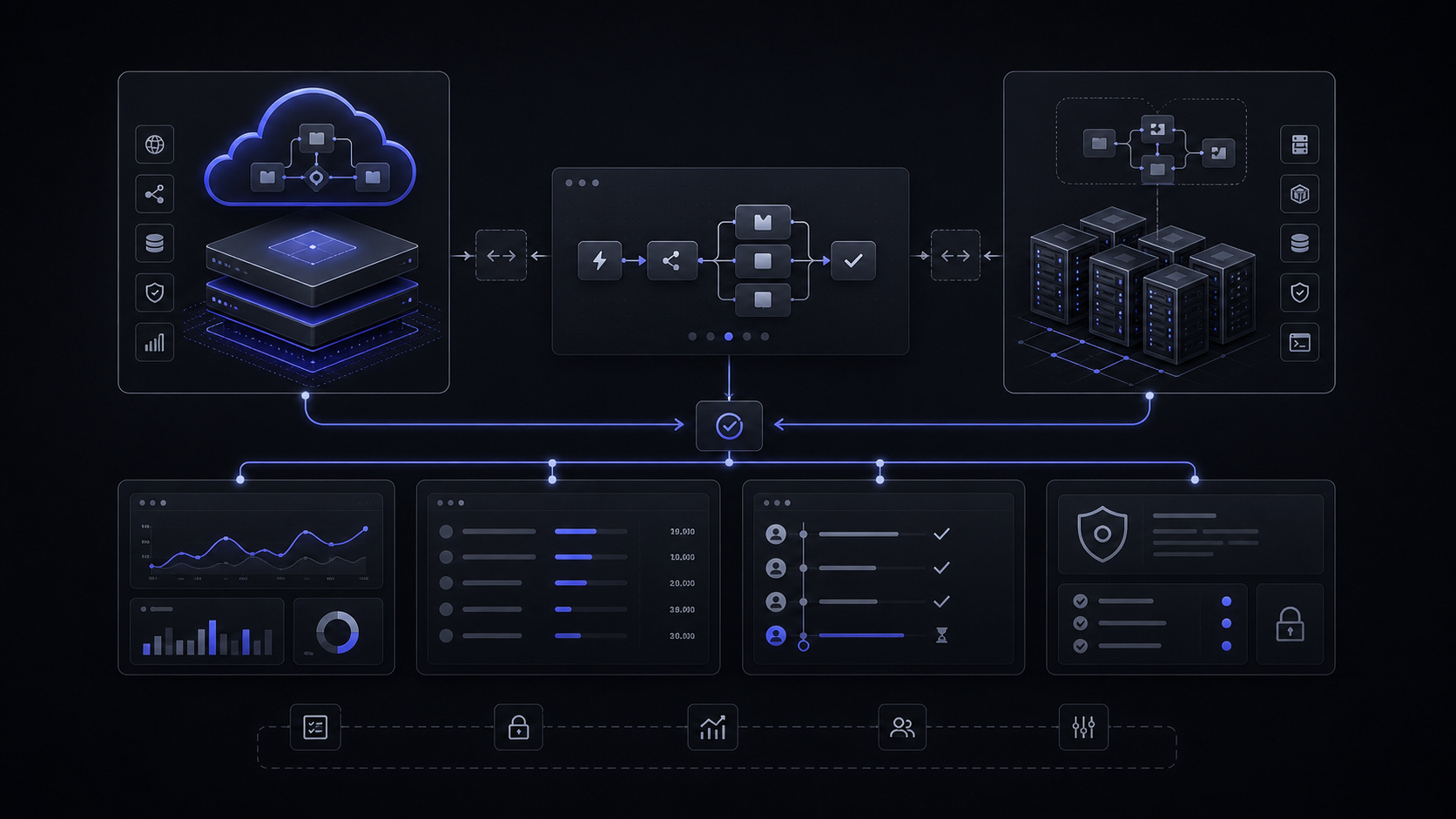
n8n is cheap only when the workflow owner is clear: pay for Cloud when uptime and maintenance should not sit with your team, self-host only when someone can own security, backups, scaling, and license boundaries.

The Short Verdict
n8n Cloud Pro is the default paid plan for most small production teams: it is $50/mo billed annually, includes 10K workflow executions with unlimited steps, and keeps hosting with n8n. Use Starter at $20/mo billed annually only when 2.5K executions, 1 shared project, and 5 concurrent executions are enough. Use self-hosted Community only when the technical owner is real, not theoretical.
The official n8n pricing page gives the plan table. The ownership table matters more.
If your workflow is low-volume and business-critical, pay for managed Cloud before self-hosting. If your workflow is high-volume but simple, self-hosting can make sense only after someone owns patching, monitoring, credentials, logs, and recovery. If your team needs SSO, SAML, LDAP, Git version control, different environments, and scaling options, the decision moves beyond cheap automation and becomes governance spend.
The useful question is not "Is n8n cheap?" It is "Who owns the workflow when it fails outside business hours?"

The Billing Unit Matters More Than The Plan Name
n8n prices Cloud usage around workflow executions, not individual steps. One execution is one run of the entire workflow, regardless of how many steps it contains or how much data it processes. That is why n8n can look much cheaper than task-billed tools when a workflow has many steps, and much less cheap when a simple polling workflow runs constantly.
A daily scheduled workflow is 30 or 31 executions per month. A workflow that runs every 5 minutes is about 8,600-8,900 executions per month. That one official example gives the pricing rule:
- One daily CRM cleanup workflow can fit almost anywhere.
- One every-5-minutes operations poll can nearly consume a Pro plan by itself.
- A webhook workflow should be estimated from the number of daily triggering events, because each event becomes execution demand.
- A chatbot workflow should be estimated from conversations per week multiplied by the average number of messages per conversation.
For an ops lead, this changes the buying process. Do not start by asking whether Starter, Pro, or Business has the nicest feature list. Start by listing the workflows that will run in production:
That worksheet is more useful than a plan comparison because it shows where the subscription will break. A workflow with many internal steps still counts as one execution. A minimal workflow that runs every 5 minutes still creates thousands of monthly executions.
If you are comparing n8n with Zapier or Make, this is the central pricing difference. Our broader n8n vs Zapier vs Make comparison covers the platform tradeoff. The pricing decision here is narrower: count execution frequency before comparing plan names.
Cloud vs Self-Hosted Is An Ownership Decision
n8n Cloud is the right path when the business wants automation outcomes without becoming responsible for the automation platform. n8n's Cloud docs say Cloud provides no technical setup or maintenance, continual uptime monitoring, managed OAuth for authentication, and one-click upgrades to new n8n versions. That is what the Starter and Pro prices buy.
Self-hosted n8n is the right path when control is worth the operating work. n8n's own hosting docs say self-hosting requires technical knowledge, including setting up and configuring servers and containers, managing application resources and scaling, securing servers and applications, and configuring n8n. n8n recommends self-hosting for expert users and warns that mistakes can lead to data loss, security issues, and downtime.
- Cloud removes platform maintenance from the buyer's team.
- Cloud keeps early production cost simple when usage fits Starter or Pro.
- Self-hosted Community gives technical teams more control over hosting, networking, and data location.
- Self-hosting can be the cleaner architecture when workflows need private infrastructure or custom deployment.
- Cloud execution limits still matter when a workflow runs often.
- Starter and Pro may be too light when collaboration, governance, and environments matter.
- Self-hosted Community is not "free" if nobody owns updates, backups, monitoring, secrets, and recovery.
- Business is $800/mo billed annually, and the Business plan is self-serve with dedicated support only in Enterprise.
For a founder, the simplest rule is this: do not self-host to save $20/mo or $50/mo. Self-host when control, data location, private networking, custom nodes, or high execution volume makes the operating responsibility worth it.
For an operator, the rule is even tighter: a workflow that touches revenue, support, finance, or customer data needs an owner, an error log, a retry rule, a handoff path, and a change history. If those do not exist, the lower plan price is not the real cost.
The License Line Buyers Miss
n8n is source-available under its Sustainable Use License, not OSI open source. n8n's license docs say the Sustainable Use License and n8n Enterprise License are based on the fair-code model, and that n8n does not call itself open source because OSI open source licenses cannot include limitations on use.
That distinction matters for product and SaaS teams. The Sustainable Use License allows use for internal business purposes, non-commercial use, or personal use. n8n says, in practical terms, that all use is allowed unless you are selling a product, service, or module in which the value derives entirely or substantially from n8n functionality.
Allowed examples include using n8n to sync company-controlled CRM data, creating an n8n node or integration, providing consulting services related to n8n, and supporting n8n on an internal company server. Disallowed examples include white-labeling n8n and offering it to customers for money, or hosting n8n and charging people money to access it.
The buyer version is simple:
- Internal workflow automation is usually the clean use case.
- Consulting, support, and internal setup around n8n are allowed examples in n8n's own docs.
- A SaaS product where customers use their own credentials through n8n needs legal and licensing review before the build starts.
- If n8n is the substantial value of what you sell, assume you need a commercial conversation.
n8n gives two app-backend examples that are useful for AI builds. Using n8n to collect an end user's HubSpot credentials to sync app data is not allowed under the Sustainable Use License. Embedding an AI chatbot in an app using company credentials is allowed. That is the line to respect when scoping an AI feature or automation backend.
This is why we treat automation tooling as architecture, not just procurement. The cheapest plan can still be wrong if the license model does not fit the product surface.
When Business Or Enterprise Is Worth Paying For
Business is worth considering when collaboration and governance are now the problem. It is $800/mo billed annually, includes 40K workflow executions with unlimited steps, and is positioned for companies with fewer than 100 employees needing collaboration and scale. It adds 6 shared projects, SSO, SAML and LDAP, 30 days of insights, different environments, scaling options, version control using Git, and forum support.
The price jump only makes sense when those controls are real requirements. If one founder and one ops lead are running a few simple workflows, Business is probably too early. If several teams need shared credentials, role boundaries, separate environments, Git-backed changes, and production visibility, Starter and Pro are no longer the right comparison set.
Enterprise is for requirements Business does not cover. n8n lists Enterprise as Contact Sales with custom workflow executions, hosted by n8n or self-hosted. It adds unlimited shared projects, 200+ concurrent executions, 365 days of insights, 1000 AI Workflow Builder credits only available on n8n Cloud, external secret store integration, log streaming, extended data retention, dedicated support with SLA, and invoice billing.
The hard cost edge is overage. n8n says if quota is exceeded, workflows continue running without interruption, but overage charges may apply if the customer does not upgrade. For Business, overage prices are 4,000 EUR for extra buckets of 300,000 executions. Annual Business subscribers are contacted when close to 80% of annual quota, but that does not replace usage planning.
There is also a Start-up Plan route. n8n says companies under 20 employees can check if they qualify for 50% off Business. That can make sense for a technical startup with real governance needs, but it still does not remove the operating work of a self-hosted Business deployment.
The Pricing Worksheet
Use this worksheet before buying, self-hosting, or rebuilding the workflow.
1. Count production executions
List every workflow that will run in production. For scheduled workflows, count the schedule. Daily means 30 or 31 executions per month. Every 5 minutes means about 8,600-8,900 executions monthly. For webhook workflows, estimate the number of daily events. For chatbot workflows, estimate weekly conversations multiplied by average messages per conversation.
2. Separate low-risk automation from controlled workflow
A Slack notification, spreadsheet cleanup, or lead enrichment task can often start on Cloud. A workflow that touches payments, customer support, regulated data, production credentials, or revenue operations needs logs, permissions, retries, handoff, and change history before price optimization.
3. Choose the first controlled plan
If usage fits 2.5K executions and the workflow is not operationally critical, Starter can be enough. If production usage fits 10K executions and a small team needs admin roles, global variables, workflow history, and execution search, Pro is the better default. If the requirement is SSO, SAML, LDAP, environments, scaling options, and Git version control, price Business against the cost of building and maintaining the same controls.
4. Name the owner before self-hosting
Self-hosting needs an owner for servers, containers, application resources, scaling, security, configuration, updates, backups, credentials, and recovery. Without that owner, the plan may be free while the system is expensive.
5. Decide when to build around n8n and when to build outside it
Use n8n when the workflow is integration-heavy, the execution model is acceptable, and the license fits the business surface. Build a custom workflow layer when the product needs a governed user-facing feature, a narrower approval system, or a data/control model that should not live inside a general automation tool.
For teams already using Zapier, this worksheet pairs with the Zapier pricing task math. The same mistake appears in both directions: buyers compare monthly subscription prices before counting the workflow's real operating unit.
What To Skip
Skip self-hosting if the only reason is saving the Starter or Pro fee. The decision is not credible until a technical owner has accepted uptime, backups, upgrades, secrets, monitoring, and incident response.
Skip Business if you only need one internal workflow. The $800/mo annual plan becomes rational when collaboration, environments, SSO, SAML, LDAP, scaling options, and Git version control are active needs, not future hopes.
Skip Enterprise until the requirement is actually enterprise-shaped: external secret store integration, log streaming, extended data retention, 200+ concurrent executions, dedicated support with SLA, invoice billing, or custom execution limits.
Skip vague "AI automation platform" rebuilds. If n8n does the job, use it. If the workflow is becoming product logic, customer-facing infrastructure, or a support system with approval and handoff rules, scope a controlled system instead of stretching a generic automation canvas past its natural boundary.
FAQ
How much does n8n cost to use?
n8n public pricing starts with Starter at $20/mo billed annually for 2.5K workflow executions, Pro at $50/mo billed annually for 10K executions, and Business at $800/mo billed annually for 40K executions. Enterprise is Contact Sales with custom workflow executions.
Is n8n free to use?
Self-hosted n8n can run as the free Community Edition without a license key. That removes the n8n license fee for Community use, but it does not remove hosting, maintenance, security, backup, scaling, and license-fit responsibility.
Can I use n8n for free in my company?
For internal business workflows, n8n's Sustainable Use License is usually the clean path. n8n says use is allowed unless you are selling a product, service, or module where the value derives entirely or substantially from n8n functionality.
Is n8n open source?
n8n says it does not call itself open source because OSI open source licenses cannot include limitations on use. Its docs describe the model as source-available and fair-code under the Sustainable Use License.
Is n8n worth paying for?
n8n is worth paying for when the paid plan removes operating risk or adds controls the workflow actually needs. Pro is often the clean paid default for small production teams; Business or Enterprise is justified by governance, environments, security, support, and scale requirements.
Should a business use n8n Cloud or self-hosted n8n?
Use Cloud when the business wants the workflow outcome without owning platform maintenance. Use self-hosted n8n when a technical owner can manage servers, containers, scaling, security, configuration, backups, and recovery, and when control or data location justifies that work.
Audit Your AI Stack
Map your AI and SaaS tools against real workflow usage, controls, license boundaries, and build-vs-buy decisions.
Jun 5, 2026